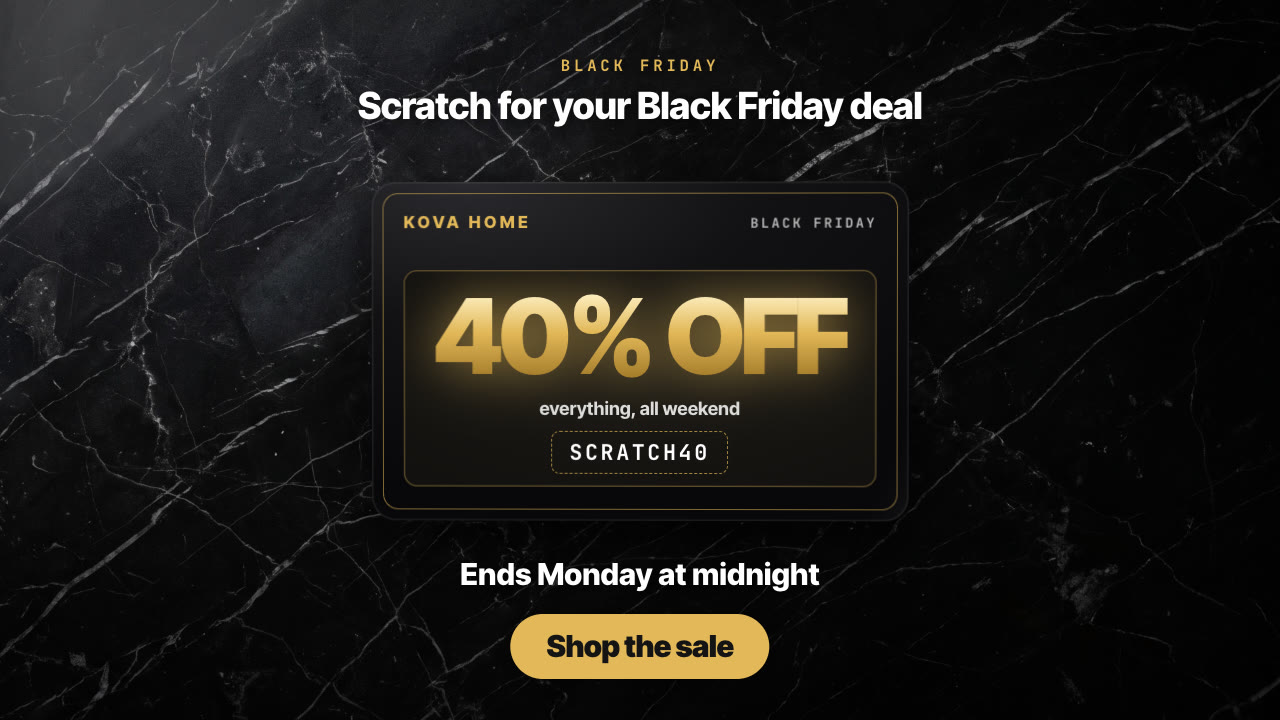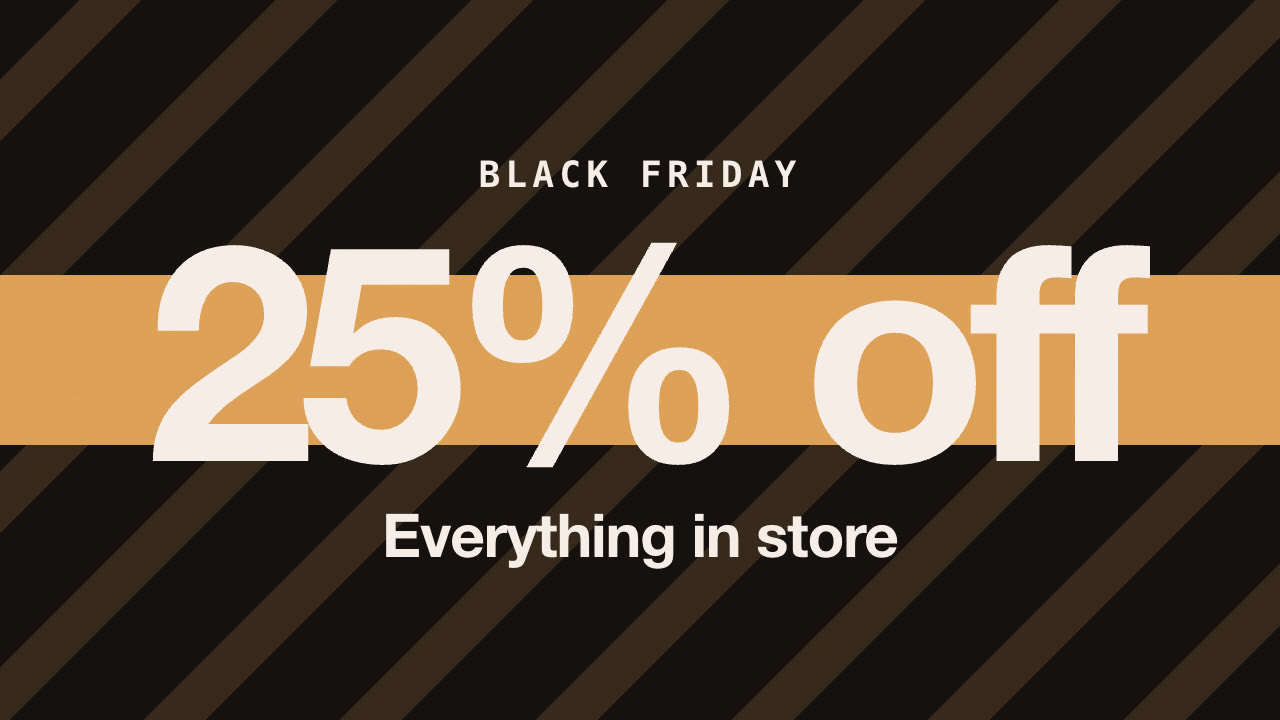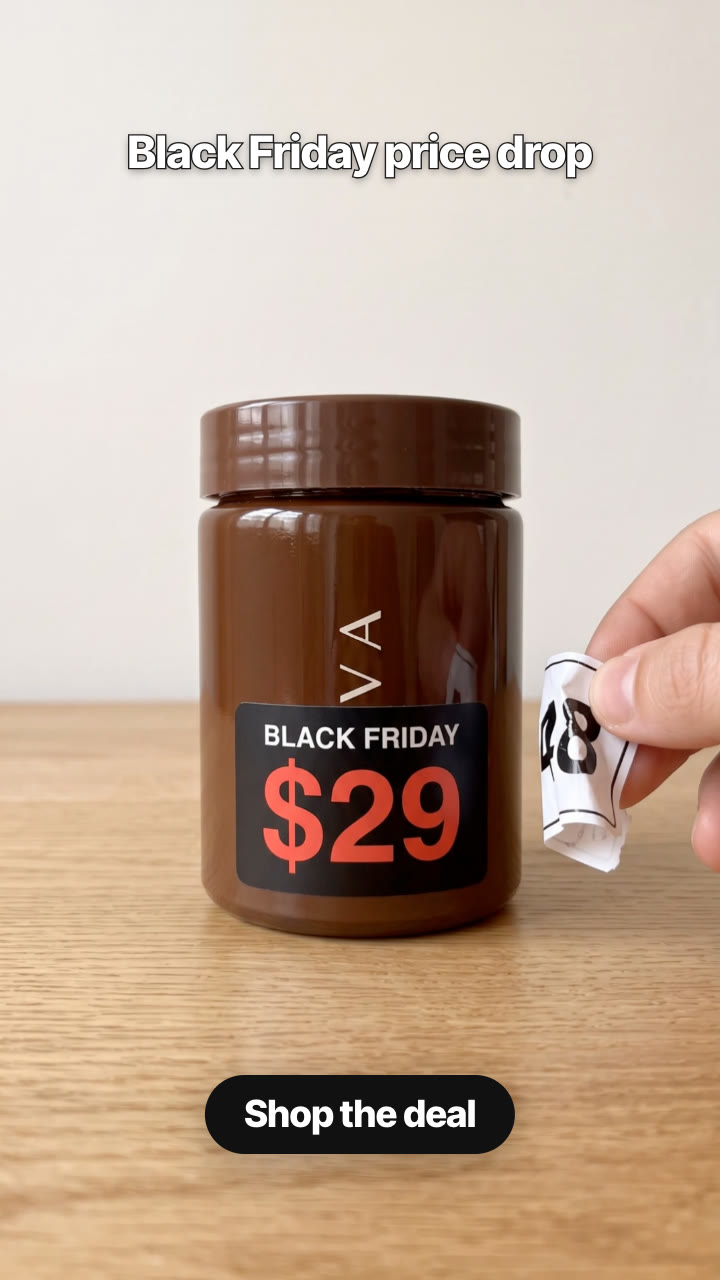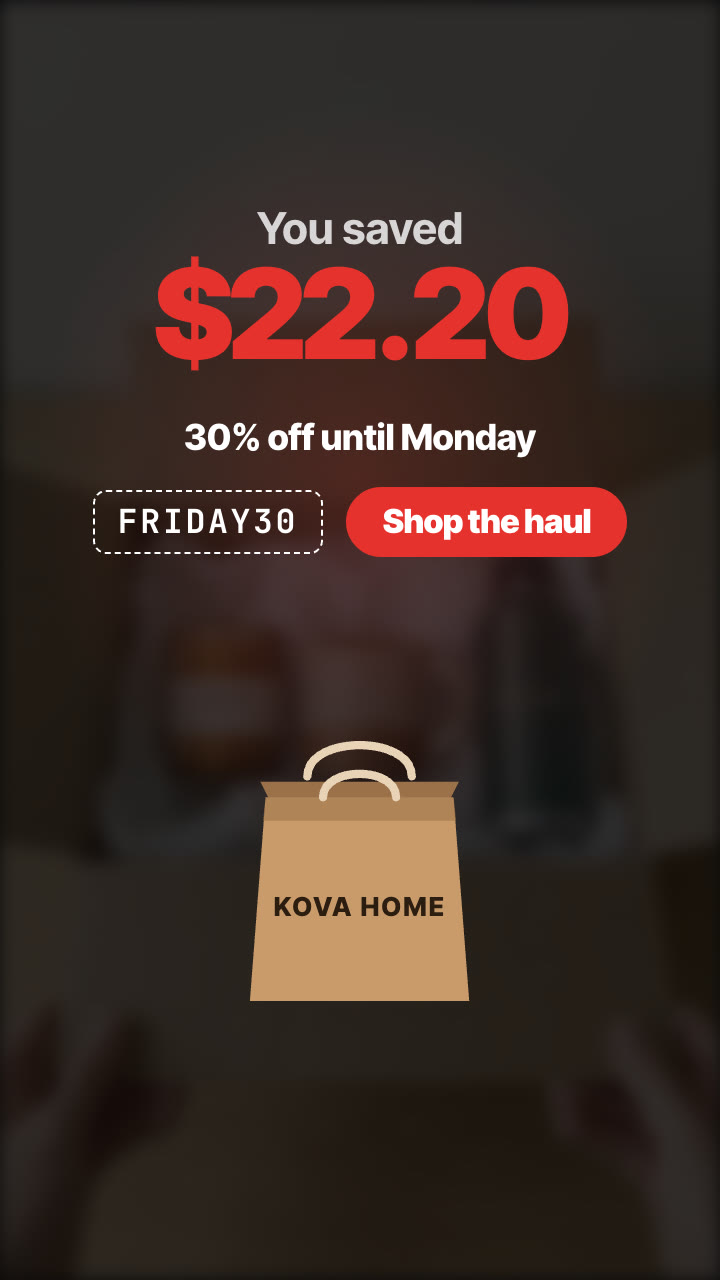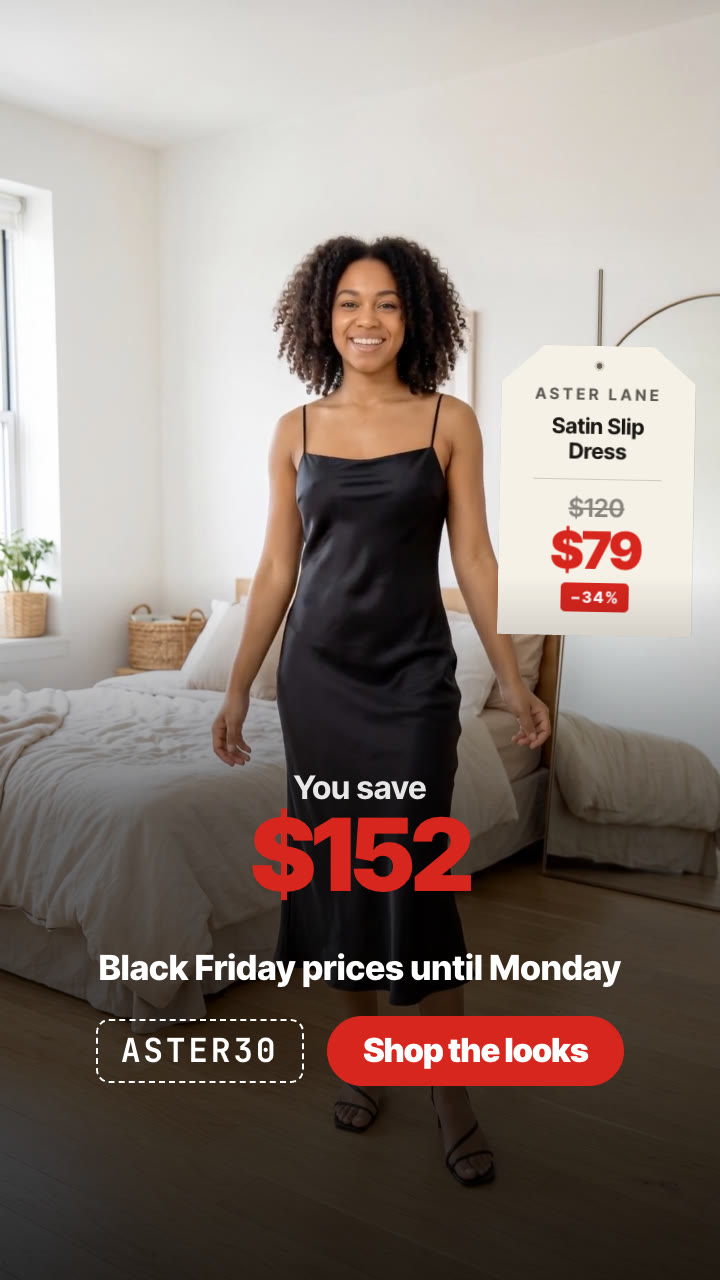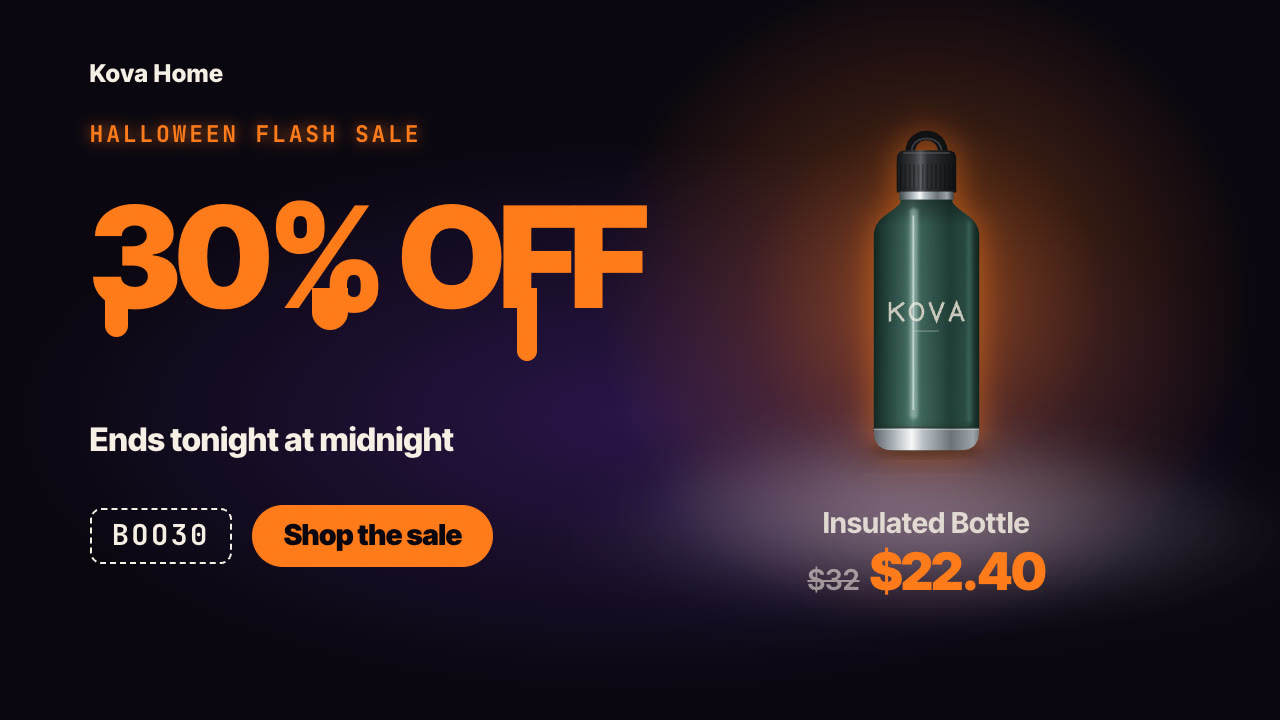
Rendered by this Skill
Gift Guide Countdown v1.0.0
Your gift guide as a countdown: "5 gifts under $50", from number five to number one, each gift on a holiday table with its price.
- Format
- Ad creative · 16:9 / 9:16 / 1:1 / 4:5
- Length
- 0:14
Paste this into your agent. It connects the CLI if needed, then installs the Skill.
Give it a title like "5 gifts under $50" and three to seven products with a name, a short note and a price. It renders a holiday gift-guide video: the title over the whole line-up on a warm tabletop with fairy lights, then a countdown where each gift slides onto the table under a big serif rank number with its name, note and price, and an ending with the full line-up, every price and your CTA.
Updated Oct 31, 2026
What you get
- Gift Guide Countdown videos as H.264 MP4 in 9:16, 4:5, 1:1 and 16:9 from one file
- A poster frame for each video
- An editable JSON file you can re-render any time
Good fit
- Shops selling three to seven products that make good gifts
- Holiday, Black Friday and Cyber Monday gift guides with a price cap
- Creators and stores posting "gifts for her / him / the home" lists
Not for
- A single hero product
- Products without prices
- Catalogues with dozens of items
About this Skill
/gift-countdown Make a holiday gift guide countdown for Kova Home: "5 cosy gifts under $50" — throw $48, candle $24, bottle $32, bud vase $29, mug $18 — ending with "Free gift wrap on every order" and "Shop the gift guide". Vertical and 4:5.
A warm holiday tabletop with fairy lights and fir: the title lands over all the gifts standing in a row. Then the countdown starts: number five slides onto the table under a big serif numeral, with its name, a one-line note and the price in a red tag, then slides away for number four, and so on up to number one. At the end the whole line-up returns with a price under each gift, your line and your call to action.
How it works
- Brief — your agent asks only for what's missing: a title (for example "5 gifts under $50"), three to seven products, each with an image (transparent PNG works best), a name, an optional one-line note and a price, plus an optional line and a CTA for the ending, and your formats and languages.
- Copy — it writes the text and shows it to you before rendering.
- Validate — a checker flags missing fields, long lines and low contrast.
- Render — a draft in seconds, then MP4 in 9:16, 4:5, 1:1 and 16:9 from the same file, on your own machine.
Tips
- Put the price cap in the title ("under $50"): it's the reason people stop.
- Save the best gift for number one; people watch to the end to see it.
- Give each gift a five-word note ("keeps coffee hot till noon"); it sells better than a spec.
- Use transparent PNG cut-outs so every gift stands on the table.
What you need before you start
- You bring
- A title (for example "5 gifts under $50"), three to seven products, each with an image (transparent PNG works best), a name, an optional one-line note and a price, plus an optional line and a CTA for the ending, and your formats and languages.
- Dependencies
- Node.js 20 or newer — required · Google Chrome (or CHROME_PATH) — required · FFmpeg — bundled via ffmpeg-static after npm install
- Outside costs
- None. Everything renders on your machine; no API keys or paid services are used.
- Last tested
- v1.0.0 —
User reviews
No reviews yet. Install the Skill and be the first to rate it.
FAQ
Which order do the gifts play in?
List number one first; the video counts down from the last one to number one.
Can I change the backdrop?
Yes. A warm holiday table ships with the Skill; any straight-on tabletop photo with the table edge about two thirds down works.
Do I need footage or an API key?
No. Everything is drawn and rendered on your machine from your product images.
Which sizes do I get?
9:16 for TikTok, Reels and Shorts, 4:5 and 1:1 for feeds, and 16:9 for YouTube, from the same file.