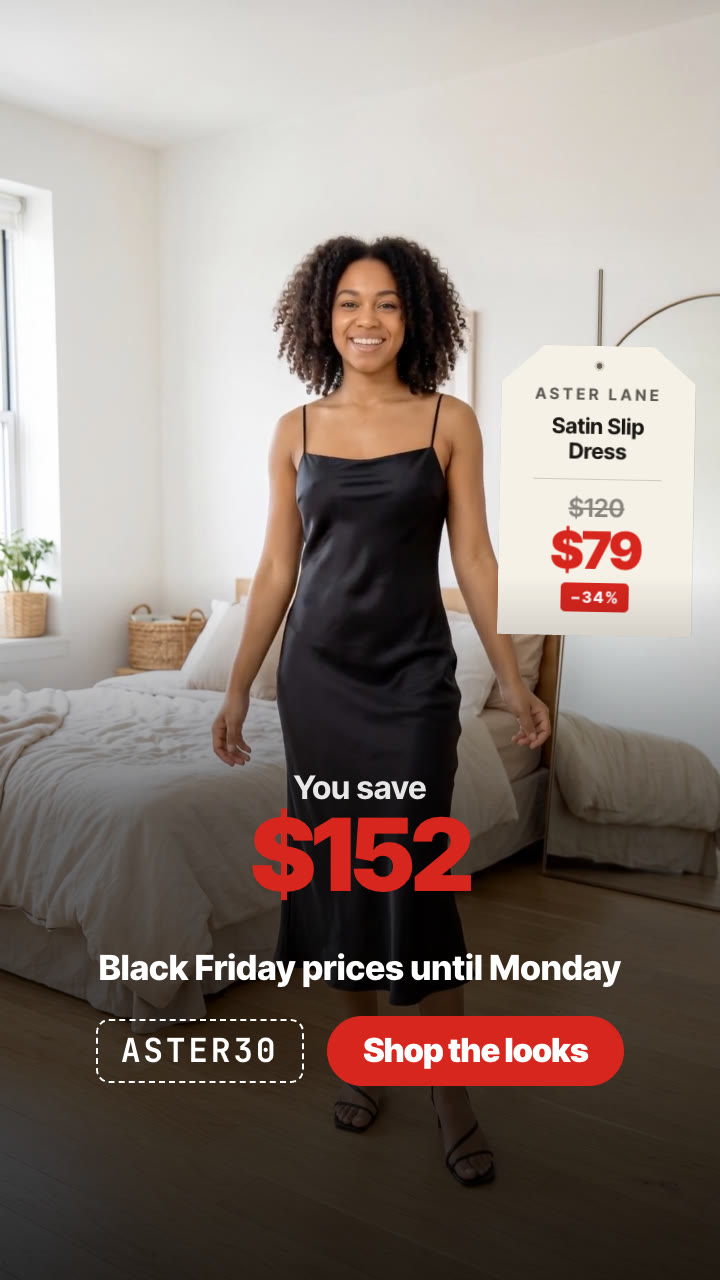
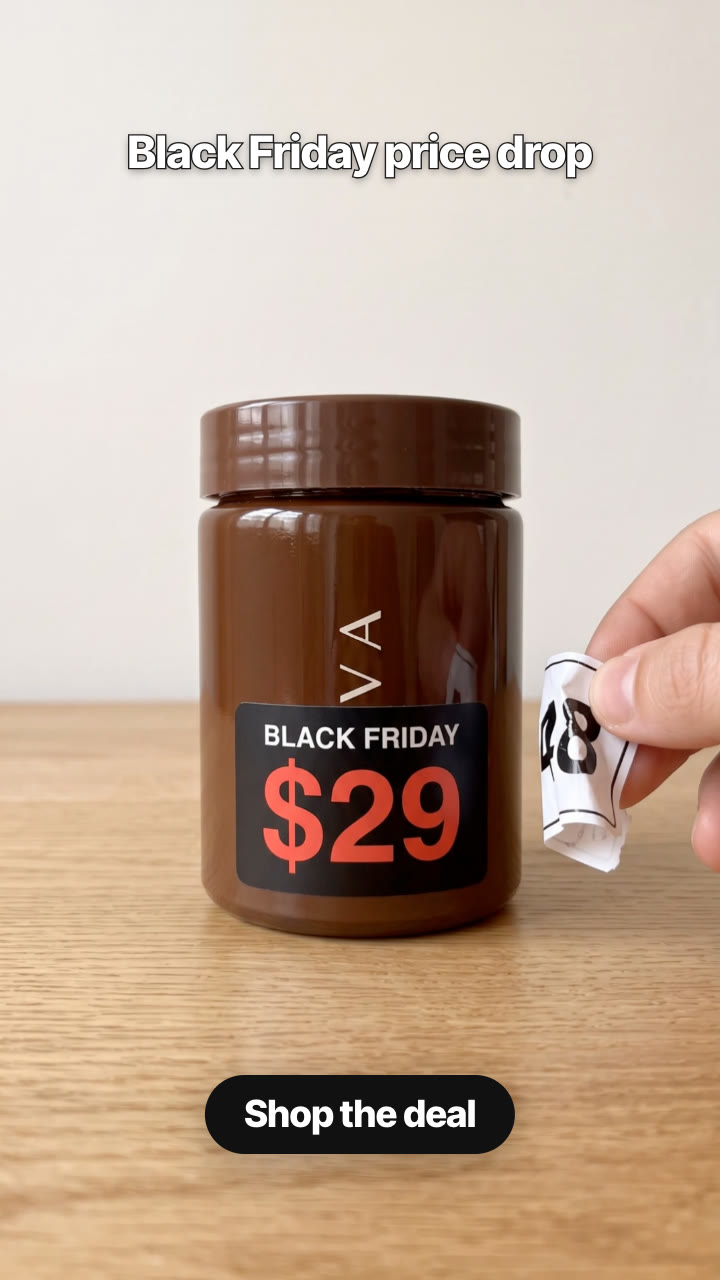
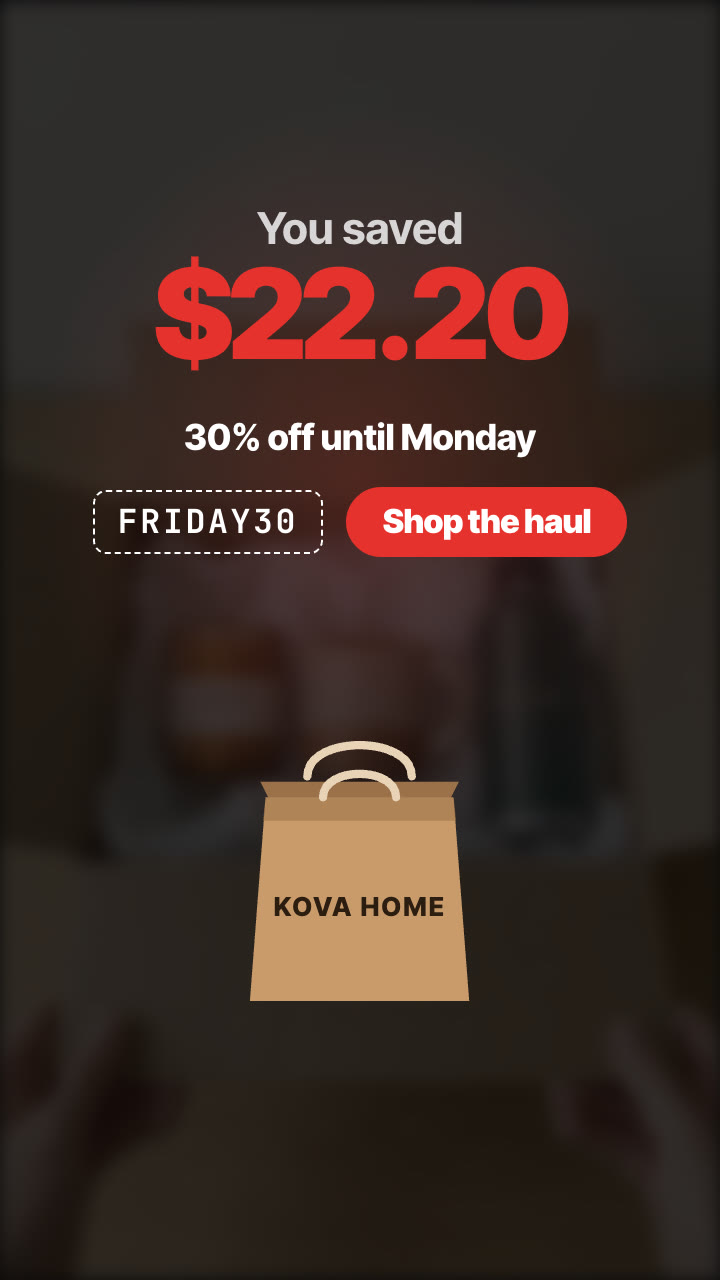
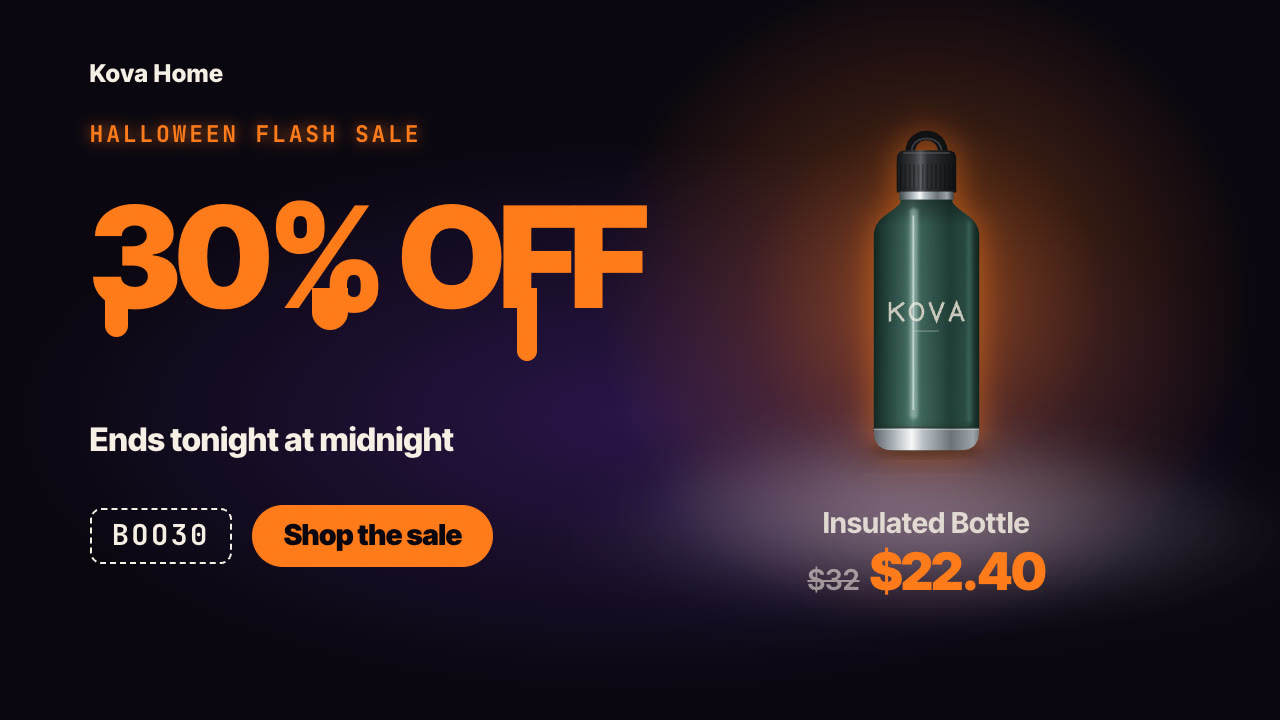
One model, three looks, a spin between each: every outfit lands with a paper hang tag showing its sale price, and it ends on how much the whole haul saves.
Give it two to four outfits with their regular and sale prices, and optionally a photo of your model and of each item. It makes a Black Friday try-on video: the same model in the same room spins from one look into the next, a paper hang tag swings in with each item's name, struck regular price, sale price and discount, and it ends on the total saved, the deadline, the code and your CTA.
/try-on-haul Make a Black Friday try-on haul for Aster Lane: cable-knit sweater $89 → $59, camel wool coat $240 → $159, satin slip dress $120 → $79. Caption "Black Friday try-on haul", prices until Monday, code ASTER30, button "Shop the looks". Vertical and 4:5.
A model stands in a bright bedroom, full body, like a creator filming a try-on on their phone. A paper hang tag drops in beside them on its string and swings: your brand, the item, the regular price struck through and the sale price in red with the discount. They hold the pose, then spin, and as they come back around they're wearing the next look, with a new tag. After the last look, the shot holds, the lower part darkens and the total saved lands in big type over the deadline, the promo code and your call to action.
How it works
Brief: your agent asks only for what's missing: two to four outfits (a short description of each, plus optionally a product photo per item so the clothes match), each with its name, real regular price and sale price, optionally a photo of your model (or describe one and it's AI-generated), your brand for the tags, a caption, the deadline, a promo code and a CTA. You also need an API key for the two models it calls, Nano Banana 2 and Kling 2.5 Turbo; three looks cost about $0.94 in model usage.
Keyframes: it makes one full-body still per look, the same model in the same room, from your model photo and product photos if you have them, and shows them to you before spending more.
Motion: Kling 2.5 Turbo animates a spin from each look into the next, 5 seconds each, joined into one shot.
Tags and total: your machine draws the hang tags, discounts and total in any language and currency, for 9:16 or 4:5.
Tips
Describe each look completely (top, bottom, shoes); add a product photo per item when the clothes must match your real stock.
Use real prices: the regular price must be what each item really sold for. The discount on each tag and the total are worked out from your prices.
Check the keyframes before the video step: the face must be the same person in every look. Keyframes cost about $0.08 each, each spin about $0.35.
Three looks is the sweet spot: about 14 seconds. The film is silent, so add the trending sound in the app and time the spins to the beat.
What you need before you start
You bring
Two to four outfits (a short description of each, plus optionally a product photo per item so the clothes match), each with its name, real regular price and sale price, optionally a photo of your model (or describe one and it's AI-generated), your brand for the tags, a caption, the deadline, a promo code and a CTA. You also need an API key for the two models it calls, Nano Banana 2 and Kling 2.5 Turbo; three looks cost about $0.94 in model usage.
Dependencies
Node.js 20 or newer — required · Google Chrome (or CHROME_PATH) — required · An API key for Nano Banana 2 and Kling 2.5 Turbo — required · FFmpeg — bundled via ffmpeg-static after npm install
Outside costs
Model usage, billed to your own API key: about $0.08 per look for the Nano Banana 2 keyframes and $0.35 per 5-second Kling 2.5 Turbo spin, so about $0.94 for three looks (October 2026 prices). The hang tags, prices, captions and the final MP4 render free on your machine.
Last tested
v1.0.0 —
User reviews
No reviews yet. Install the Skill and be the first to rate it.
FAQ
Do I need a model or a photoshoot?
No. Describe the model and the Skill generates one, the same person in every look. You can also give a photo of your own model, with their permission.
Will the clothes look like my products?
Add a product photo for each item and every look is made from it, keeping its colour, fabric and cut. Without photos, the looks follow your descriptions. Either way, check the keyframes before the video step.
Does the AI write the prices?
No. The AI makes only the footage. The hang tags, discounts and total are drawn by the template on your machine, so they're exactly what you typed, in any language and currency.
What does it cost?
An API key for Nano Banana 2 and Kling 2.5 Turbo, set in your own terminal. Model usage is billed to your key: about $0.08 per look and $0.35 per spin, so about $0.94 for three looks at October 2026 prices.