Free
Rendered by this Skill
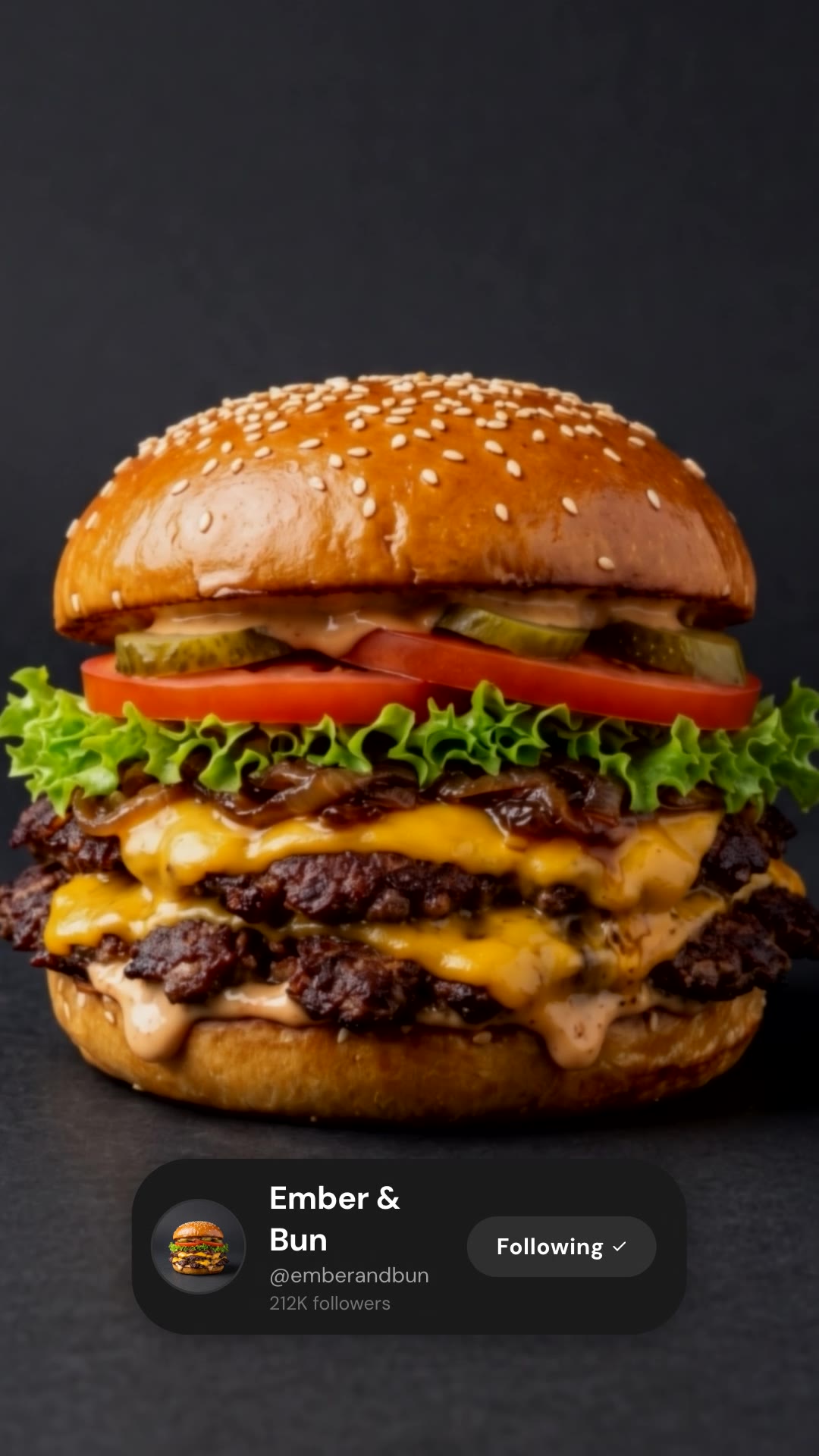
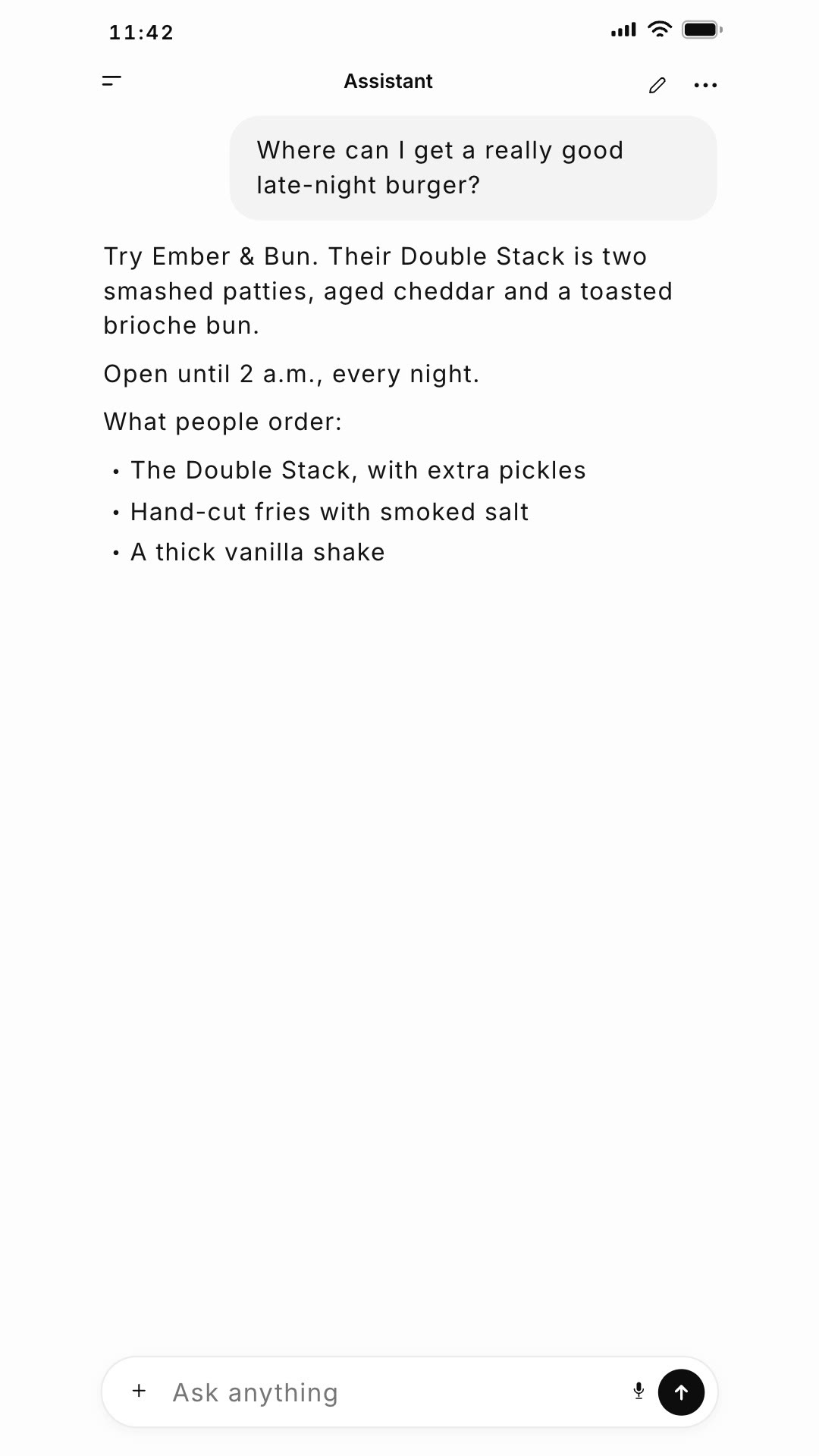
A vertical ad where someone asks an AI chat a question, the answer recommends your product, and it ends on your brand card.
Free Free with an account
Paste this into your agent. It connects the CLI if needed, then installs the Skill.
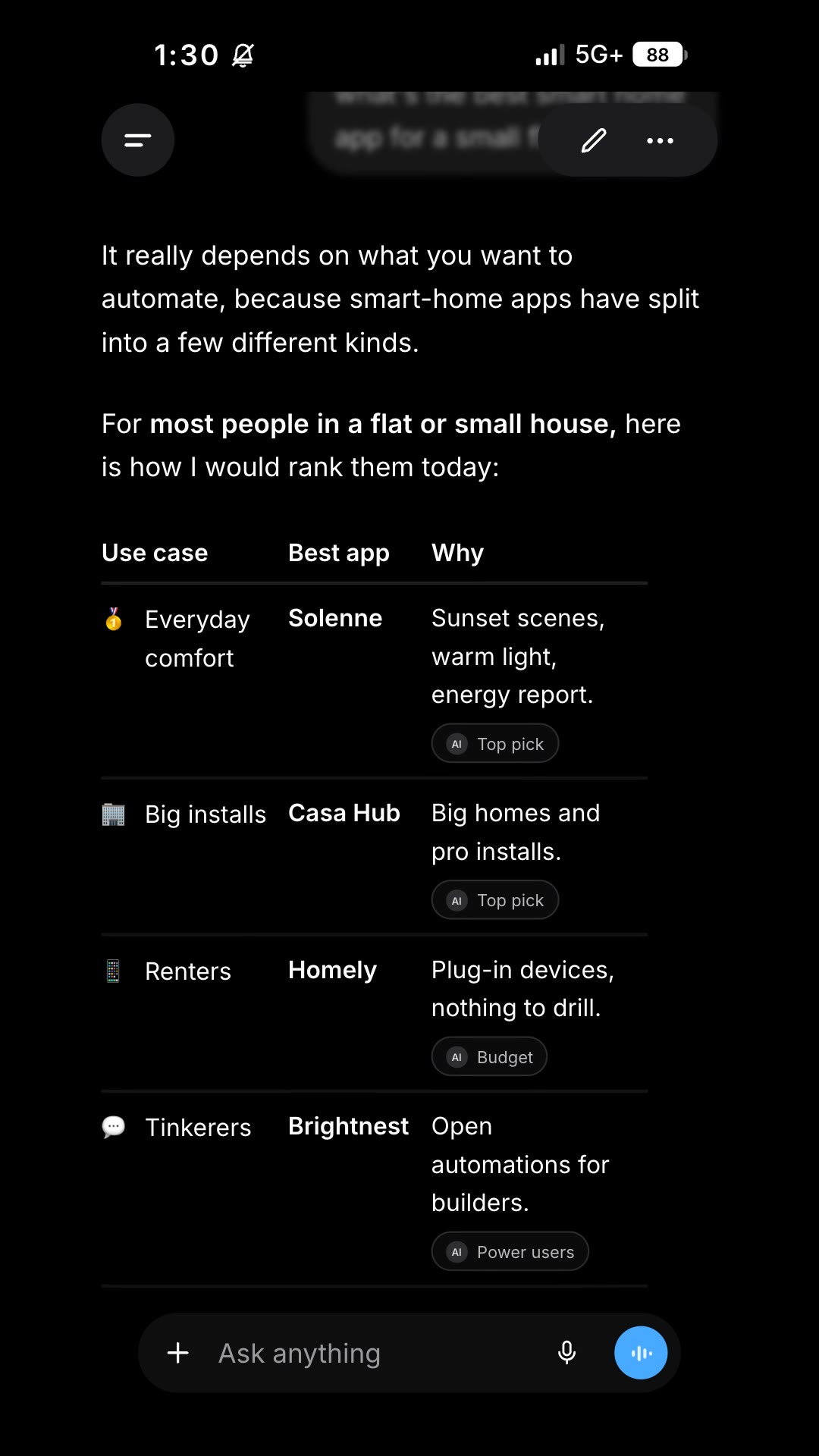
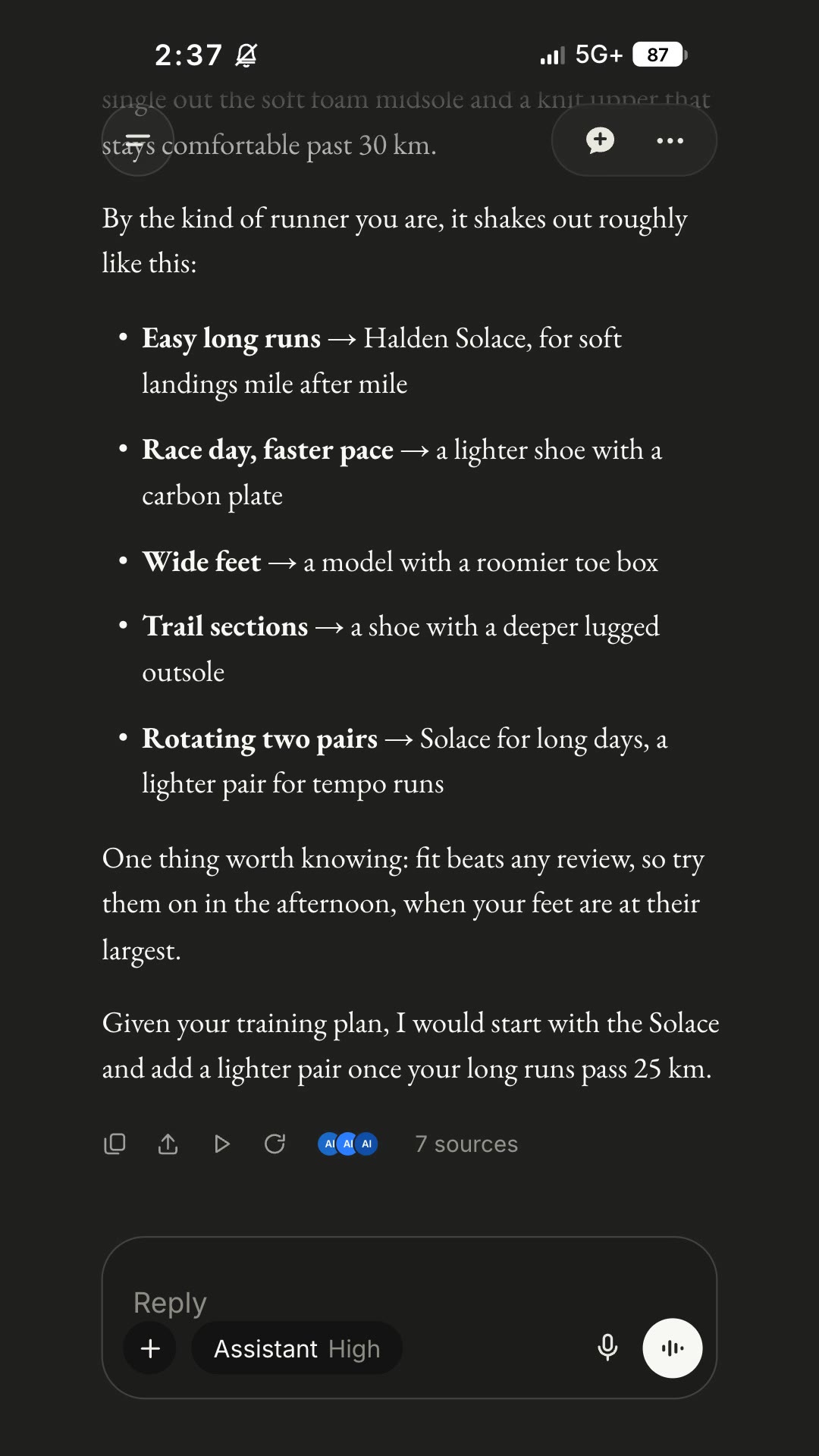
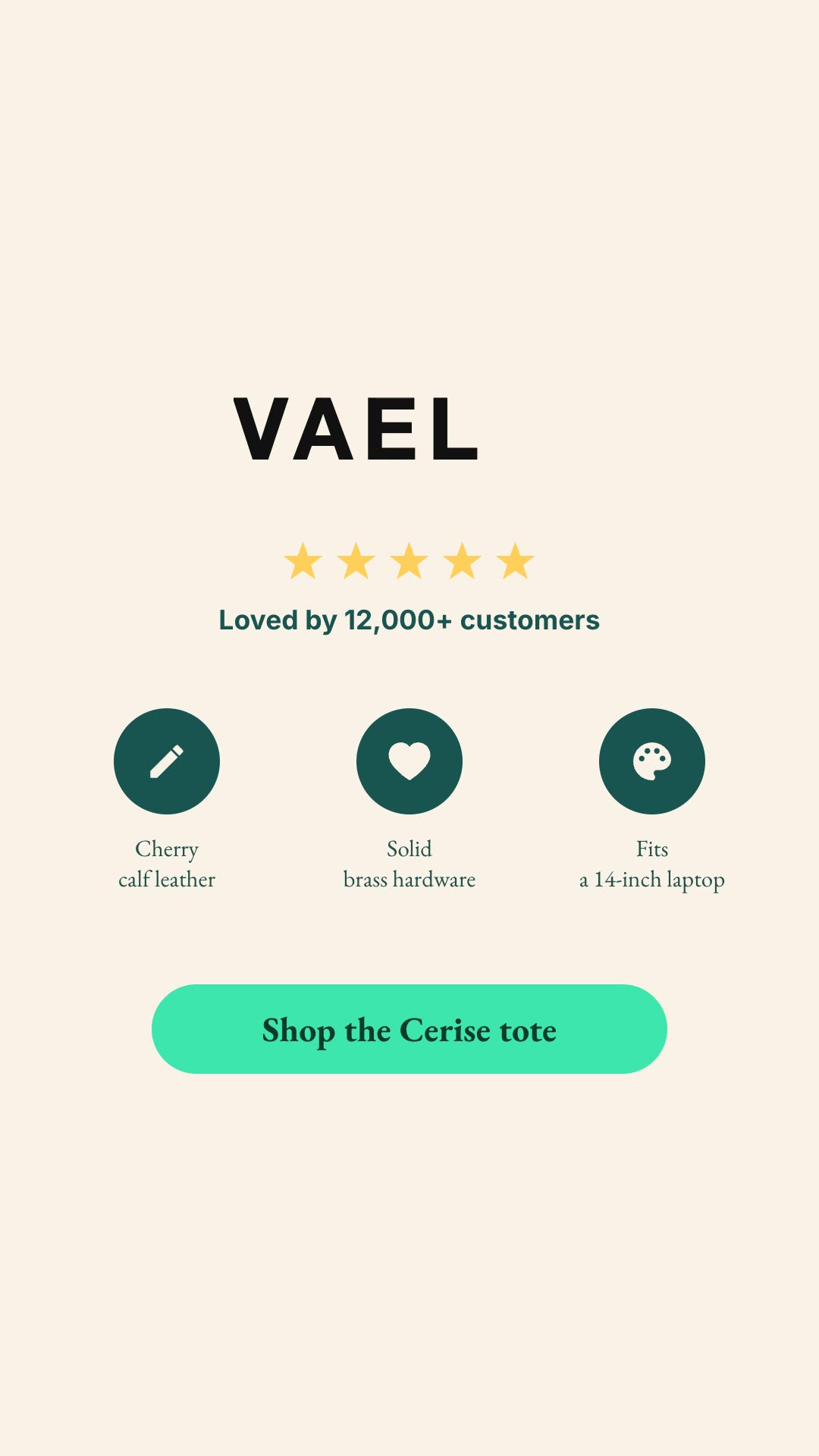
A free HyperFrames block for 9:16 ads in the format people now trust: an AI chat. A question is typed on a rising keyboard and sent; the assistant answers with your product, a key detail and three bullet points; then the screen gives way to an end card with your headline, a call to action and your web address. Every line and the logo are variables.
Updated Nov 3, 2026
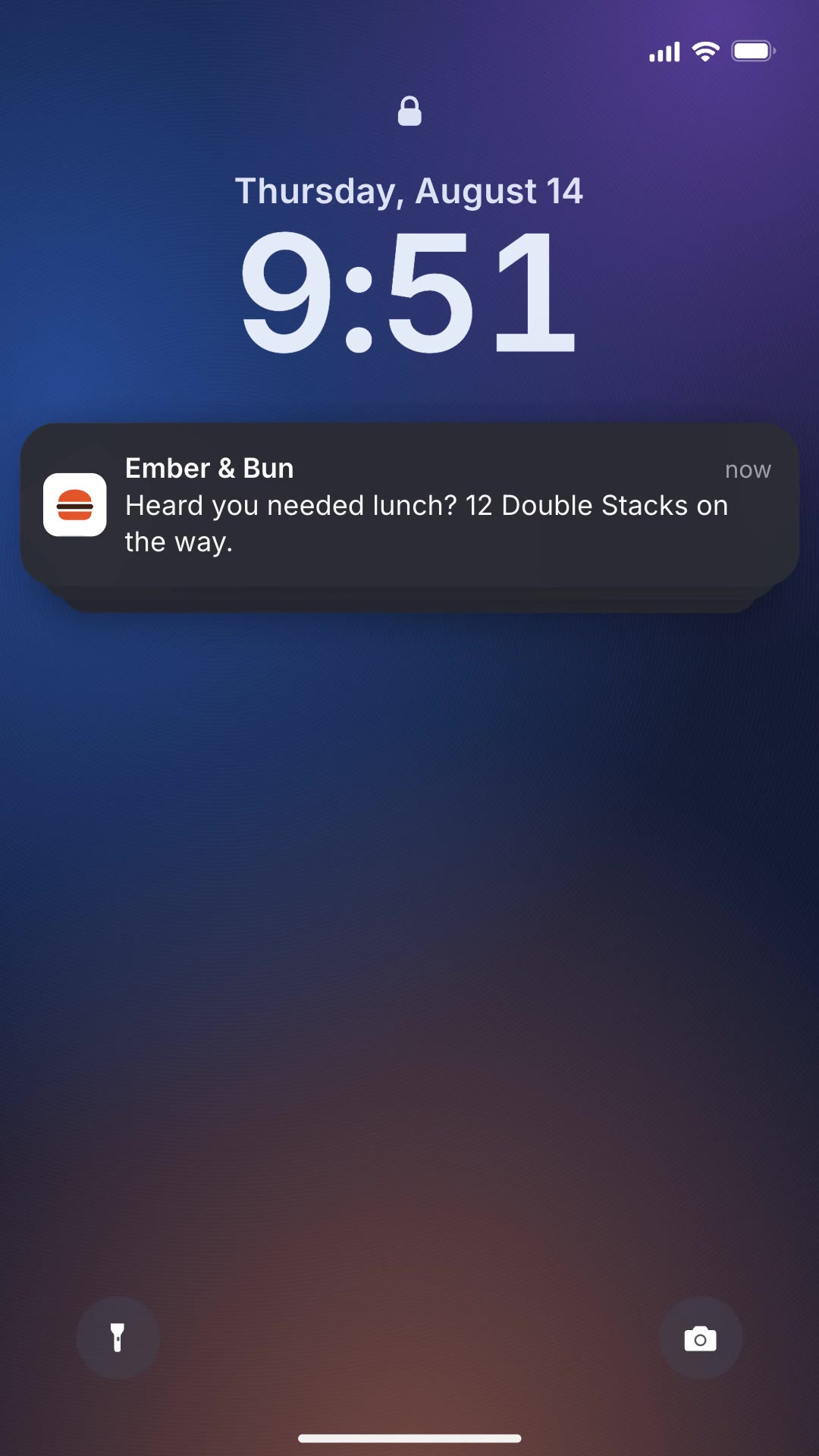
/ai-chat-reveal Make an AI chat reveal ad for our burger brand Ember & Bun: the question is "Where can I get a really good late-night burger?", the answer recommends the Double Stack and says we are open until 2 a.m., end card "Hungry at midnight? / Double Stack." with the button "Find Ember & Bun".
People ask AI chats what to buy. AI Chat Reveal turns that moment into an ad: the question is typed on a phone keyboard, the answer streams in and names your product with the reasons that matter, and the clip closes on your brand card with a button-style call to action.
npx hyperframes render, checks a few frames and renders the final MP4.This is a block from the HyperFrames registry, made by HeyGen and the HyperFrames contributors (heygen-com/hyperframes) and shared under the Apache License 2.0. The download is the block with its assets and a SKILL.md written by Reelity, so your agent knows how to fill and render it; HyperFrames itself runs from npm.
No reviews yet. Install the Skill and be the first to rate it.
No. It is a generic chat interface labelled "Assistant" by default, and you can rename it.
About two sentences plus three short bullets fit without scrolling. Keep new text close to the length of the defaults.
It is an open-source HyperFrames block by HeyGen and the HyperFrames contributors. We list it as it is, with a SKILL.md so your agent can use it and a sample made with one of our house brands, Ember & Bun.