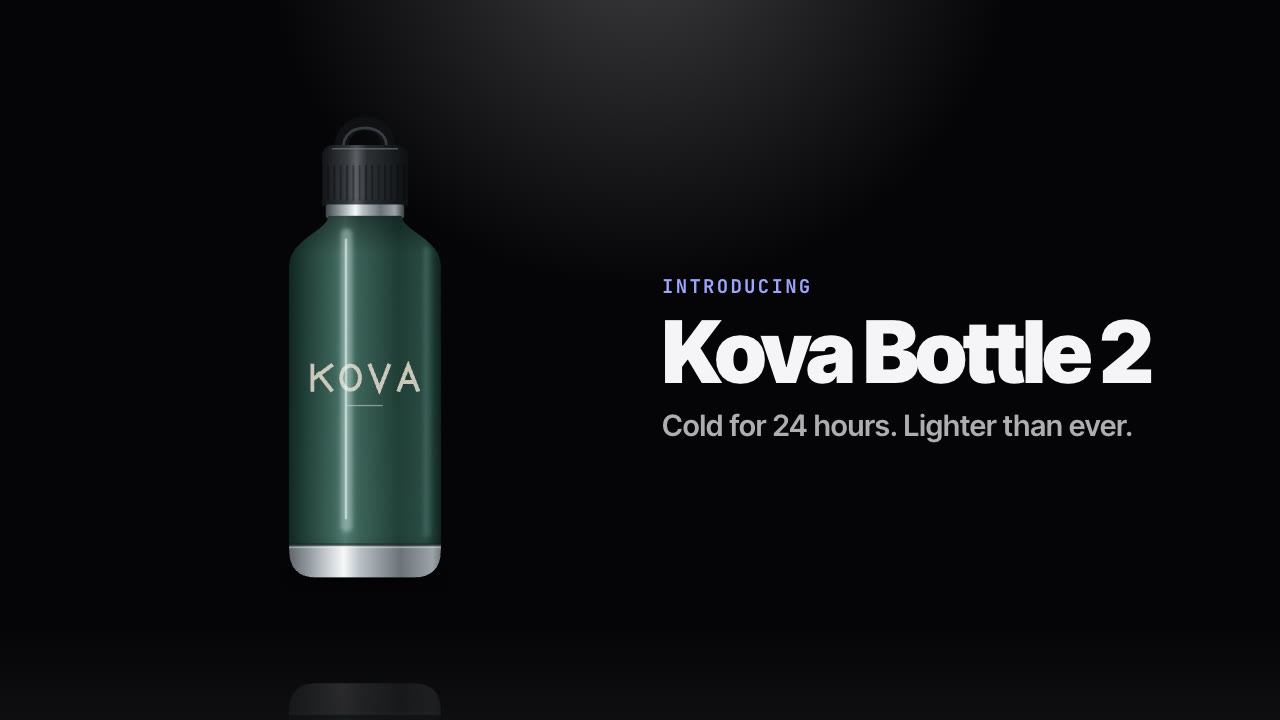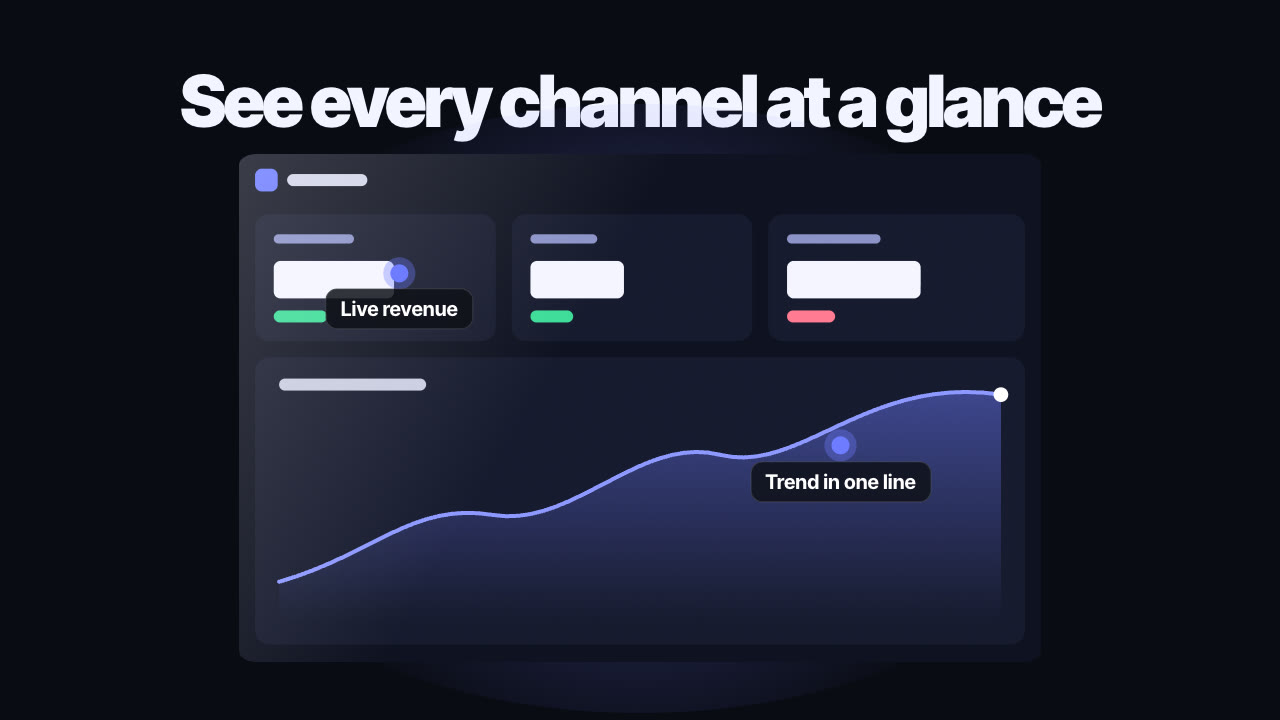
Rendered by this Skill
Shotcraft Product Promo v1.0.0
A cinematic promo film made from your real website or app: real page captures, a library of 124 shot recipes, music on the beat and sound design, rendered to MP4.
- Format
- Video · 16:9
- Length
- 0:27
Free Free with an account
Paste this into your agent. It connects the CLI if needed, then installs the Skill.
An open-source Skill that films your actual product pages instead of mocking them up. Your agent captures the pages at 2x, maps each feature to a tuned shot recipe, storyboards the film, animates it with Remotion, adds sound effects and music on the beat, checks every frame and hands you an MP4 you can keep editing.
Updated Nov 2, 2026
What you get
- A finished promo film as H.264 MP4, 1920×1080 at 30 fps
- A Remotion project with every shot, caption and sound effect editable
- Still frames for every shot and a quality review
- A credits file for every sound effect used
Good fit
- Online shops, product pages and launches
- Web apps, SaaS dashboards and desktop tools
- Feature releases that need to look premium
Not for
- Products with no website or screens to film
- Talking-head or live-action videos
About this Skill
/video-shotcraft Make a 25-second promo for my online shop at localhost:3000: open on the product, show the size picker and add to bag, end on our logo. Use co-creation so I can approve the storyboard.
Point your agent at your website, web app or online shop. Shotcraft captures the real pages, then directs them like a motion designer would: the camera starts close on your product and rises to the full page, rows drop into their slots, a cursor picks an option and the price switches, the cart slides in and fills field by field, and the interface clears away for your name to land. Every frame is drawn from your own screens and copy, so the film is sharp, on brand and fully editable.
How it works
- Product check: your agent reads the project or site, works out what to show and recommends one of three ways to work: reuse the finished Ink Press template, let the agent direct everything, or co-create and approve the brief, look, shot list and storyboard yourself.
- Capture: it starts your local site (or opens the live one) and captures each page at 2x, element cut-outs and a layout map, so the camera can move through real pages without blur.
- Shots: it picks from 124 shot recipe cards (openings, camera moves, transitions, interactions, type and outros), each with tuned demo code, and builds the film in Remotion.
- Sound: it finds sound effects on Freesound (CC0 by default) and pins them to the exact frames; bring your own music and every cut lands on the beat.
- Check and render: still frames for every shot, a full render, a review against the Skill's quality rules, then the MP4.
Tips
- Give it the pages that matter most: the product page, the key action and the result.
- Browse the shot gallery and name the shots you like; the agent builds those exactly.
- Use your real page copy and prices, or have the agent swap in sample data before capture.
- Pick co-creation if you want to approve the storyboard before anything is rendered.
Open source
Shotcraft is made by Yihao (Vincentwei1021/video-shotcraft) and shared under the Apache-2.0 licence. The download is the Skill as published on GitHub, without the template's bundled sound files; the Skill fetches its own sounds from Freesound.
What you need before you start
- You bring
- Your website or app (a local project or a live URL), the pages and features to show, and optionally your music, logo and the shots you like from the gallery.
- Dependencies
- Node.js 20 or newer — required · FFmpeg — required · Python 3.9 or newer — required · Remotion — installed with npm; free for individuals and teams of up to three, larger companies need a Remotion company licence
- Outside costs
- None. Capture, animation and rendering run on your machine, and Freesound sounds are free; no API keys or paid services are used.
- Last tested
- v1.0.0 —
User reviews
No reviews yet. Install the Skill and be the first to rate it.
FAQ
Does it work for online shops as well as apps?
Yes. It films whatever your pages show: a product page, a size picker and a cart work just like a dashboard or a settings screen. The samples on this page are two online shops.
Do I have to approve every step?
Only if you want to. Pick co-creation to approve the brief, look, shot list and storyboard, or let the agent direct the whole film on its own.
Can I choose the effects?
Yes. Browse the 124 shot recipes in the gallery and name the ones you want; the agent builds them from their tuned demo code.
Why is it free?
Shotcraft is an open-source Skill by Yihao. We list it as it is, with samples made by running it on our house products.