Every Premium video Skill, one plan. Cancel anytime.See plans
Ember & Bun · 9:16

Rendered by this Skill

Follow Card (Video App) v1.0.0

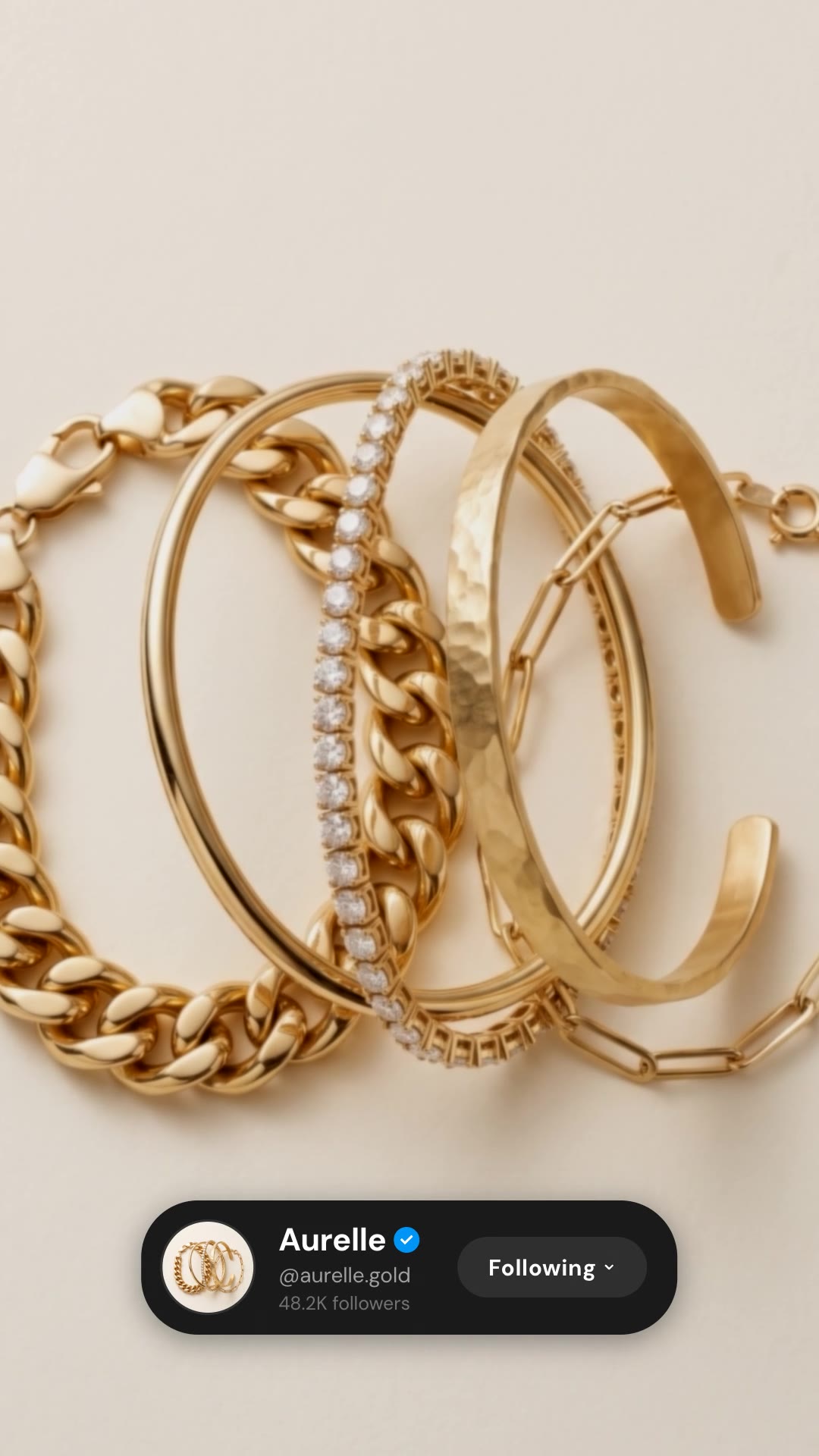
A TikTok-style follow card with your avatar, name and follower count, and a red Follow button that taps to Following.

No ratings yet 0 downloads
Format
Short-form · 9:16
Length
0:05

Free Free with an account

Sign in to download

Paste this into your agent. It connects the CLI if needed, then installs the Skill.

A free HyperFrames block for a 4.5-second follow call to action in the short-video style: a dark profile pill with avatar, name, handle and follower count springs up and the red Follow button taps to Following. Name, handle, count and avatar are edited in the HTML; the background is transparent.

Updated Nov 3, 2026

What you get

  • A 4.5-second 1080×1920 overlay with a transparent background
  • A profile card and an animated Follow tap
  • Instructions for layering it over your footage

Good fit

  • End cards for TikTok, Reels and Shorts
  • Restaurant, food and lifestyle brands
  • Creator channels

Not for

  • Horizontal videos
  • Long calls to action

About this Skill

You say

/tiktok-follow Make a TikTok-style follow card for Ember & Bun (@emberandbun, 212K followers) with the Double Stack as avatar, over our burger shot.

The last second of a short video decides whether someone follows. Follow Card (Video App) gives that second a clear, familiar ask: your profile and a satisfying tap on Follow, laid over your best shot.

How it works

  1. Ask: tell your agent your display name, handle, follower count and a square avatar, plus the shot it sits over.
  2. Fill: it writes your copy and colours into the block's variables, keeping text close to the length the layout was made for.
  3. Render: it renders a draft with npx hyperframes render, checks a few frames and renders the final MP4.
  4. Reuse: the variables live in one small JSON file, so the next version is one more render.

Tips

  • Use your most recognisable product or face as the avatar.
  • Keep the name short; long names wrap to two lines.
  • The card has a transparent background, so render it with an alpha channel and lay it over your own footage or photo; the SKILL.md shows the two commands.
  • Pair it with a strong final frame of the product.

Open source

This is a block from the HyperFrames registry, made by HeyGen and the HyperFrames contributors (heygen-com/hyperframes) and shared under the Apache License 2.0. The download is the block with its assets and a SKILL.md written by Reelity, so your agent knows how to fill and render it; HyperFrames itself runs from npm.

What you need before you start

You bring
Your name, handle, follower count, a square avatar and the shot to lay it over.
Dependencies
Node.js 22 or newer — required · FFmpeg — required
Outside costs
None. HyperFrames is free and open source and renders on your own machine.
Last tested
v1.0.0 —

User reviews

No reviews yet. Install the Skill and be the first to rate it.

FAQ

Can I translate the button text?

Yes. "Follow" and "Following" are plain text in the HTML.

Is there a version for photo apps?

Yes, the Follow Card (Photo App) is the same idea with a blue button.

Why is it free?

It is an open-source HyperFrames block by HeyGen and the HyperFrames contributors. We list it as it is, with a SKILL.md so your agent can use it and a sample made with one of our house brands, Ember & Bun.

Guides

How to end a Reel with an animated follow buttonThe last second of a Reel is your best chance to win a follower. How to add an Instagram-style profile card and Follow tap, free, with the Follow Card (Photo App) block.How to add a follow button animation to a TikTok videoA familiar follow tap at the end of a short video turns viewers into followers. How to add a TikTok-style follow card, free, with the Follow Card (Video App) block.

Similar Skills

View all