Free
Rendered by this Skill
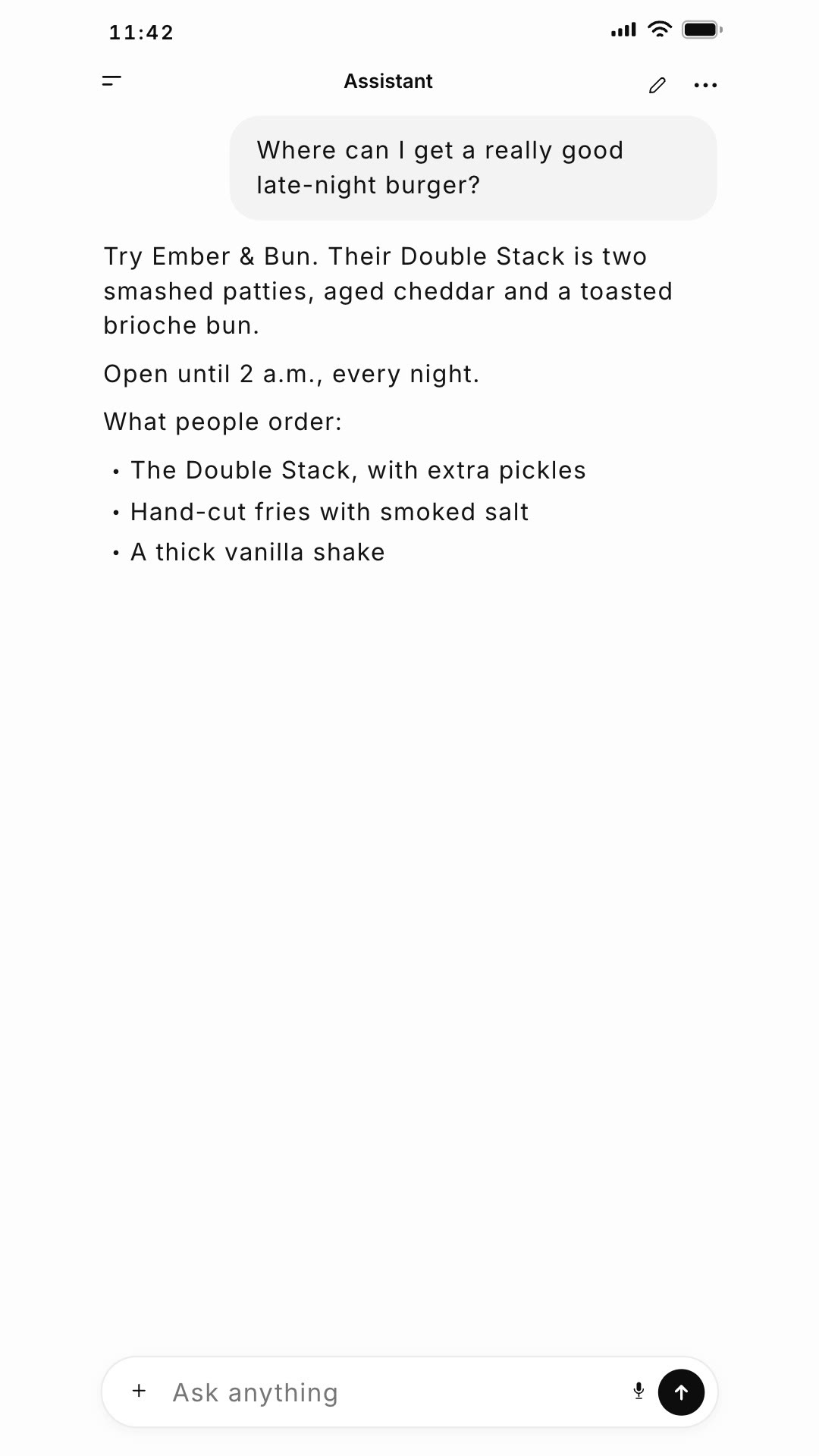
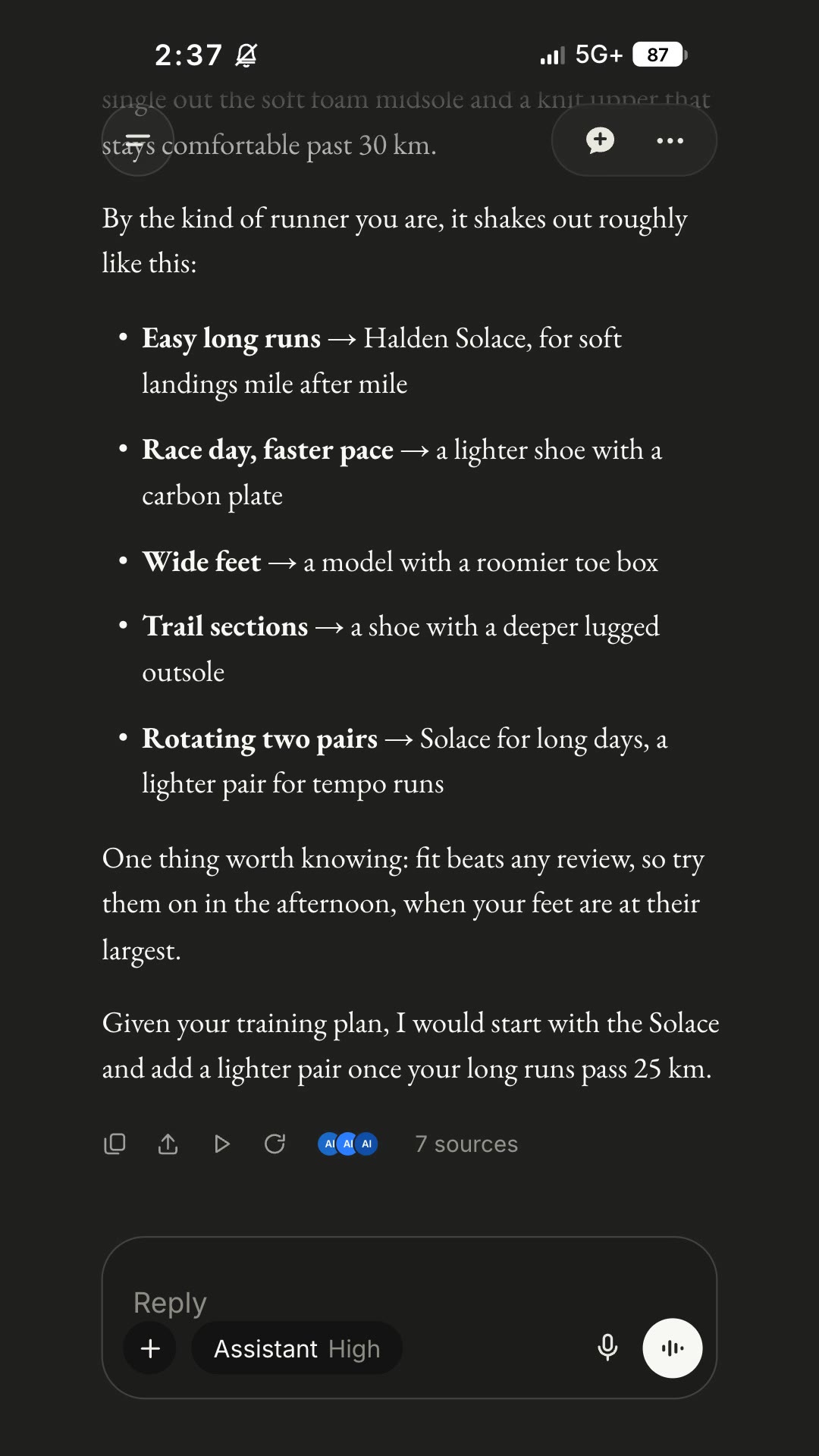
A vertical ad in a Claude-style chat: the assistant searches, thinks it through and recommends your product, case by case.
Free Free with an account
Paste this into your agent. It connects the CLI if needed, then installs the Skill.
A free HyperFrames block for 21-second 9:16 ads. A question is typed into a Claude-style assistant; a thinking line and a web search run, then a serif answer recommends your product, lays out a bulleted list by use case and ends with a practical tip. The question, the search, the thinking line and ten answer paragraphs are variables.
Updated Nov 3, 2026
/claude-exchange Make an AI research answer ad: "What's the best running shoe for a first marathon?", searching for the best marathon shoes for beginners, recommending the Halden Solace for easy long runs.
A thoughtful answer persuades more than a slogan. AI Research Answer Ad shows an assistant actually doing the work: it searches, weighs the options and then explains why your product fits, use case by use case. It suits products people research before buying.
npx hyperframes render, checks a few frames and renders the final MP4.This is a block from the HyperFrames registry, made by HeyGen and the HyperFrames contributors (heygen-com/hyperframes) and shared under the Apache License 2.0. The download is the block with its assets and a SKILL.md written by Reelity, so your agent knows how to fill and render it; HyperFrames itself runs from npm.
No reviews yet. Install the Skill and be the first to rate it.
The interface is styled after Claude. Our sample swaps the starburst mark, model name and disclaimer for neutral ones, and your agent can do the same in the HTML.
About ten short paragraphs and bullets fit the 21 seconds. Keep each close to the length of the defaults.
It is an open-source HyperFrames block by HeyGen and the HyperFrames contributors. We list it as it is, with a SKILL.md so your agent can use it and a sample made with one of our house brands, Halden Solace.