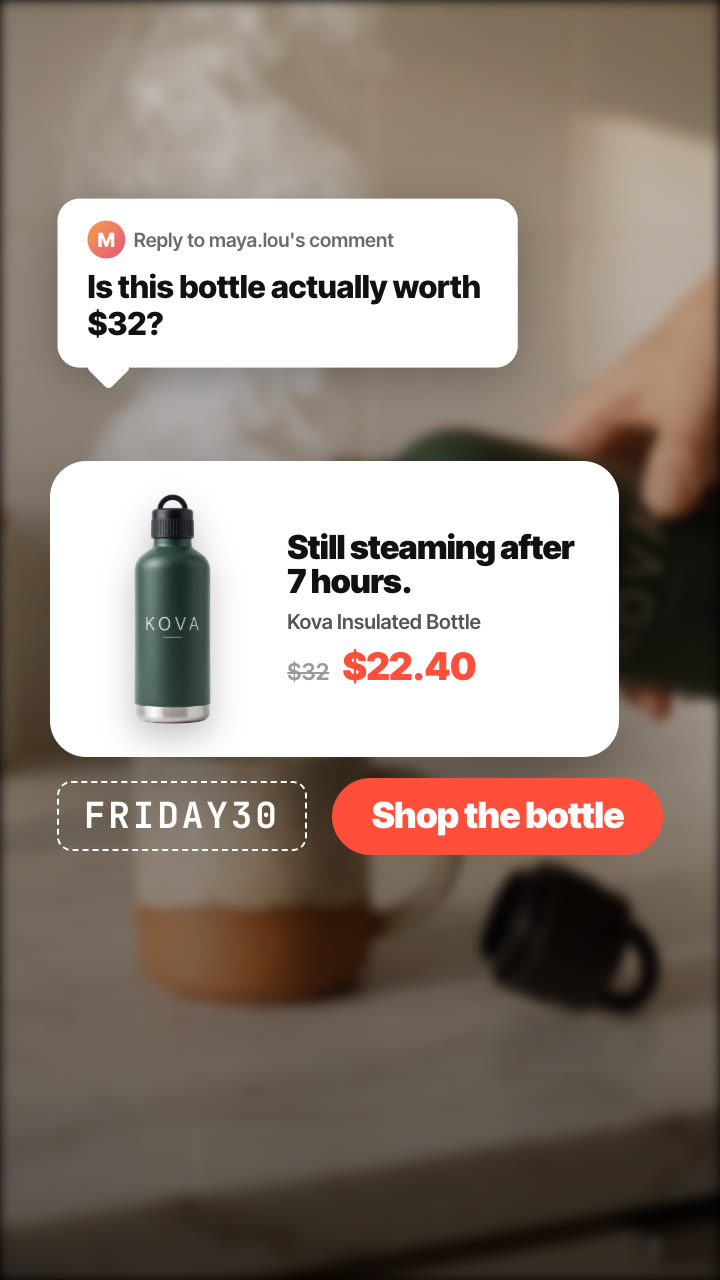
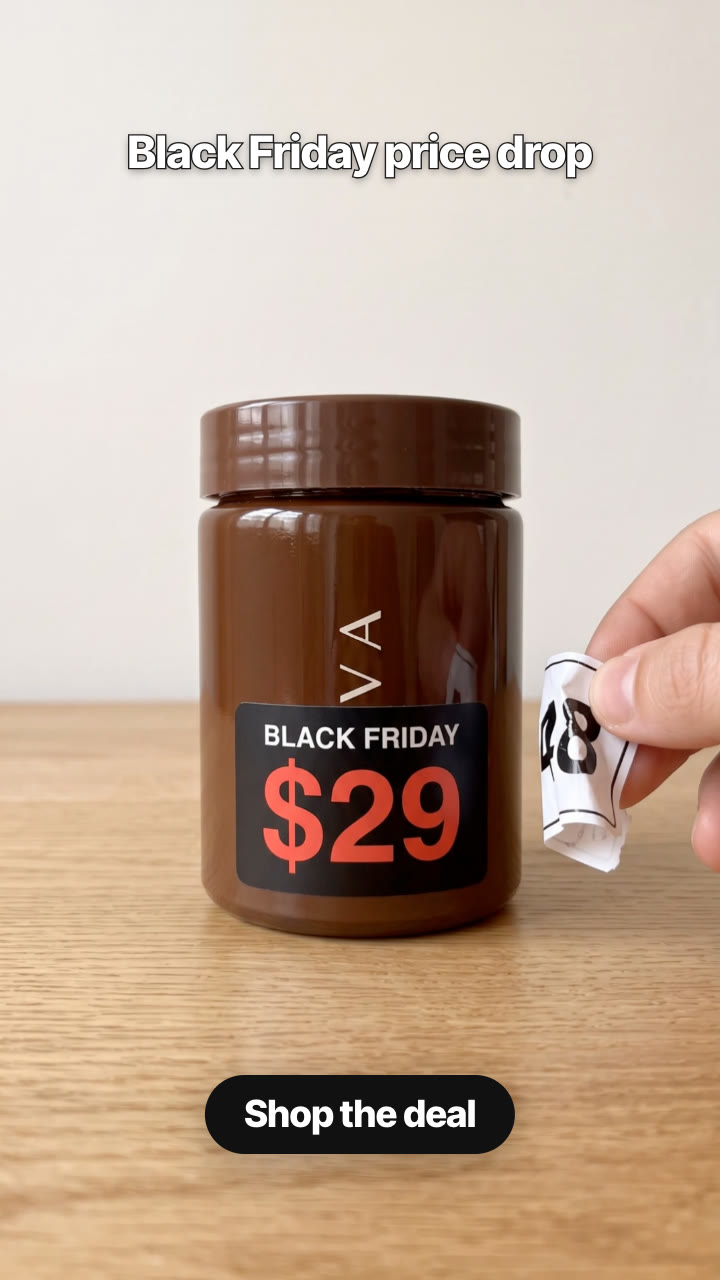
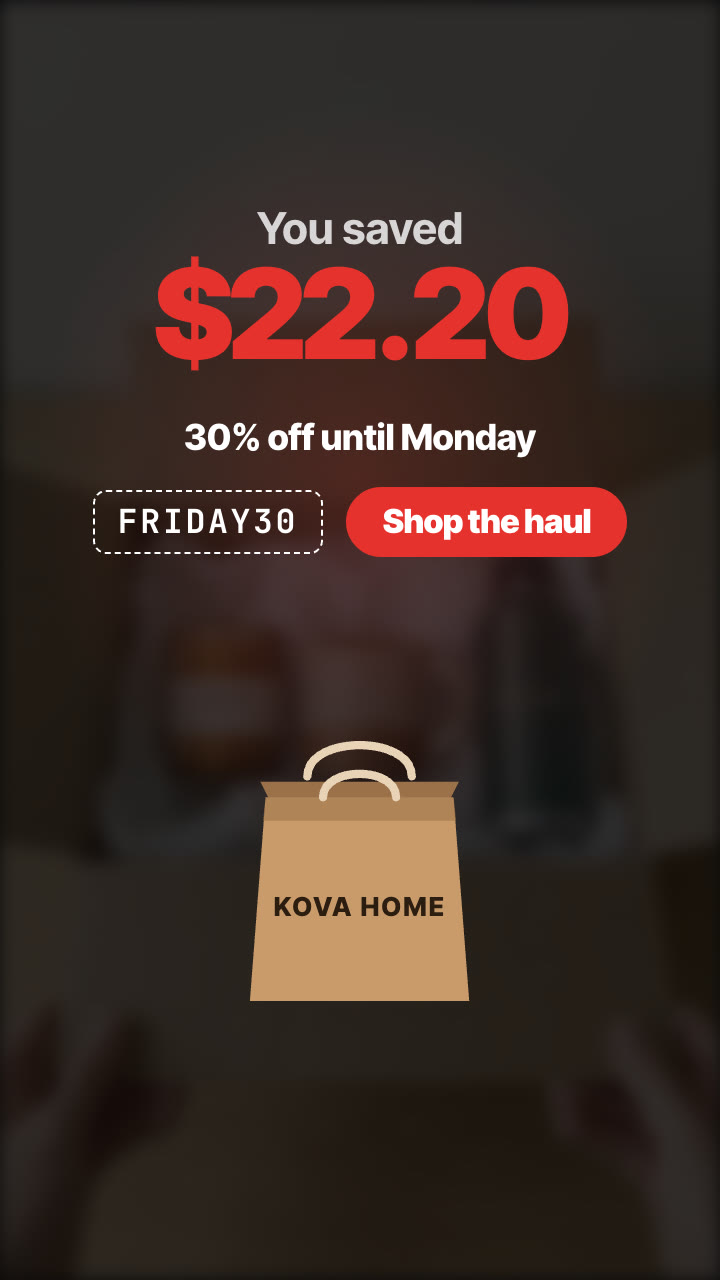
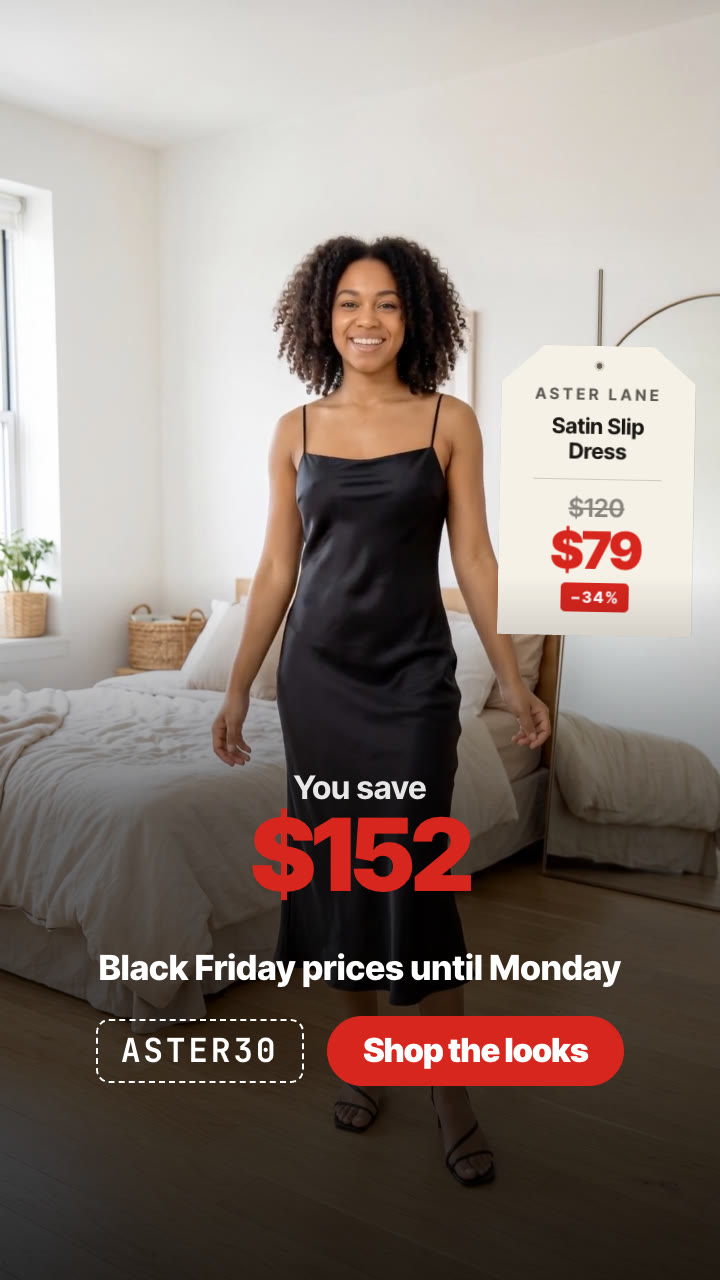
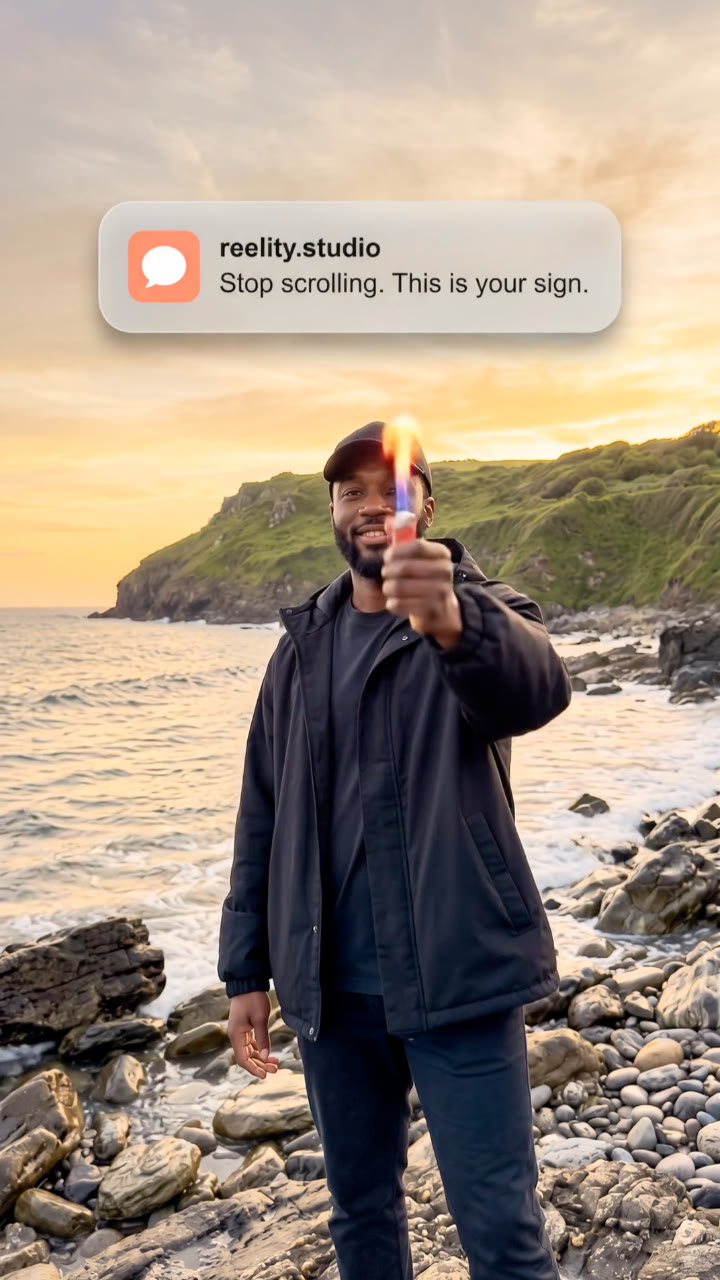
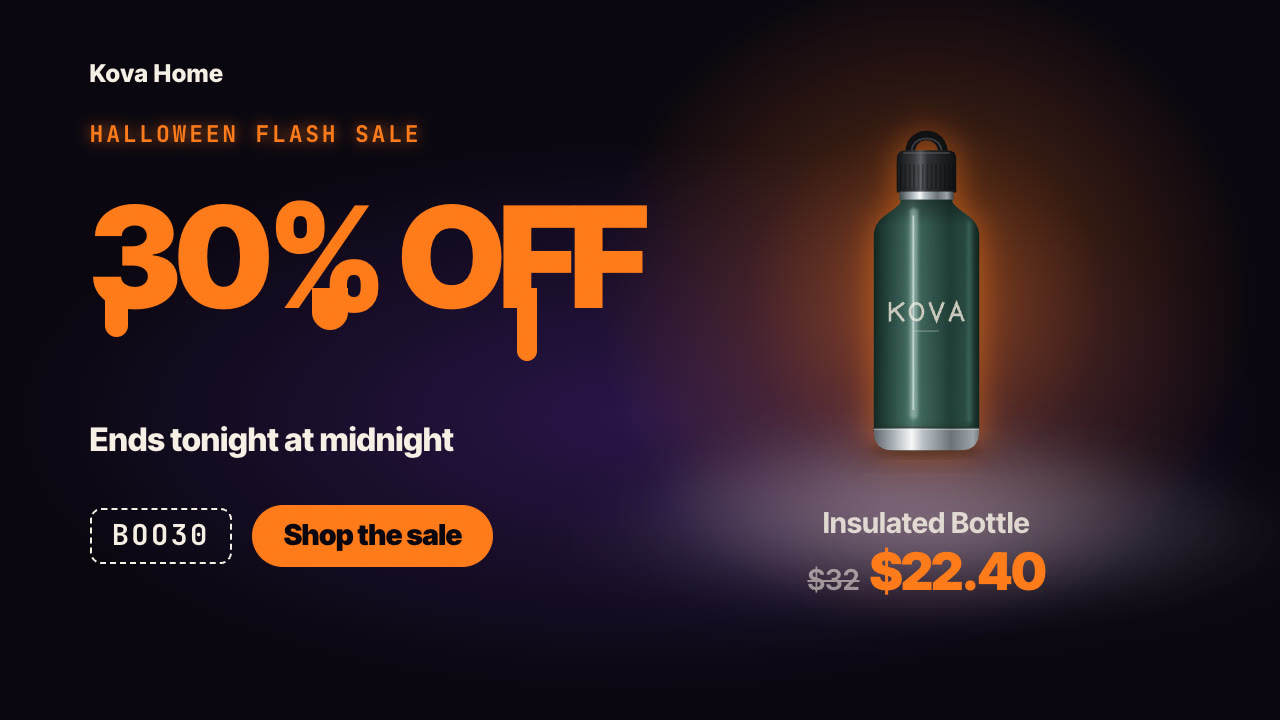
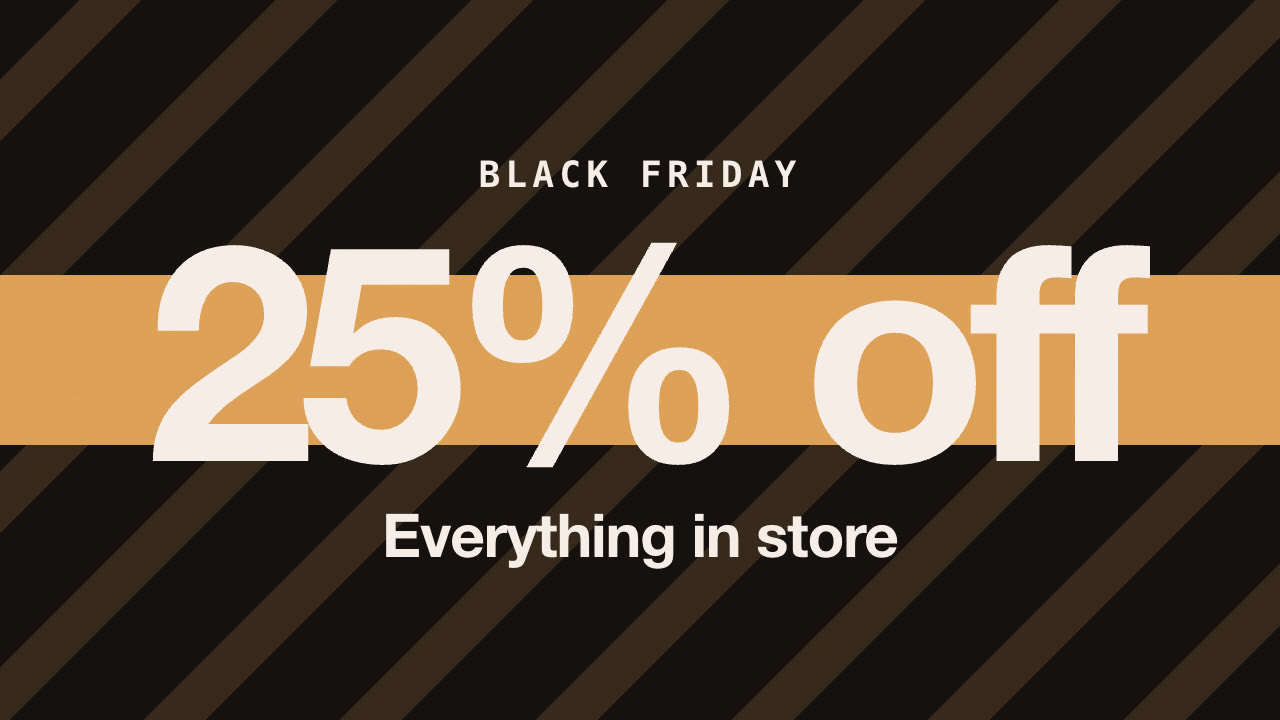
Give it a viewer's comment ("Is this bottle actually worth $32?"), a few seconds of demo footage and your answer. It renders the reply-to-comment format: the comment as a reply sticker over your footage, auto-style captions that answer it, an optional timestamp that proves the point, then a product card with the verdict and the Black Friday price, the code and your CTA.
/comment-reply Make a comment reply for our Kova bottle: @maya.lou asked "Is this bottle actually worth $32?" Use my demo clip of pouring steaming water at 3 pm after filling it at 8 am, verdict "Still steaming after 7 hours", now $22.40 with code FRIDAY30. Vertical and 4:5.
Your demo starts and a viewer's comment pops up in the corner as a reply sticker: their handle, "Reply to … 's comment" and the question. Big captions answer it line by line while the footage shows the proof, and a timestamp lands at the key moment ("3:04 PM, filled at 8:00 AM"). Then the shot freezes and dims, a white product card rises with the one-line verdict, the regular price struck through and the sale price, and the code and CTA land under it.
How it works
Brief — your agent asks only for what's missing: the comment you're answering and the commenter's handle, a few seconds of demo footage (vertical works best), the answer as two or three short captions, an optional timestamp or number that proves it, a product image for the closing card, the verdict, the price (and regular price), and an optional code and CTA, plus your formats and languages.
Copy — it writes the text and shows it to you before rendering.
Validate — a checker flags missing fields, long lines and low contrast.
Render — a draft in seconds, then MP4 in 9:16, 4:5, 1:1 and 16:9 from the same file, on your own machine.
Tips
Pick the comment everyone is thinking: price, quality, size, "does it actually work".
Show the proof in the footage and put the number on screen (a time, a temperature, a weight).
Keep each caption under ten words and colour the key word with asterisks.
End on the verdict and the deal; the card stays on screen long enough to screenshot.
What you need before you start
You bring
The comment you're answering and the commenter's handle, a few seconds of demo footage (vertical works best), the answer as two or three short captions, an optional timestamp or number that proves it, a product image for the closing card, the verdict, the price (and regular price), and an optional code and CTA, plus your formats and languages.
Dependencies
Node.js 20 or newer — required · Google Chrome (or CHROME_PATH) — required · FFmpeg — bundled via ffmpeg-static after npm install
Outside costs
None. Everything renders on your machine; no API keys or paid services are used.
Last tested
v1.0.0 —
User reviews
No reviews yet. Install the Skill and be the first to rate it.
FAQ
Do I need to film anything?
A few seconds of your product in use. Phone footage works; vertical is best.
Can I use a real comment?
Yes, any comment from your own posts, or write the question your customers keep asking.
Can I add my voice?
Yes. Add a voice-over or the trending sound as music; the captions are timed by seconds, so match them to your audio.
Which sizes do I get?
9:16 for TikTok, Reels and Shorts, and 4:5 or 1:1 for feeds, from the same file.