
✦ Studio pick
Rendered by this Skill
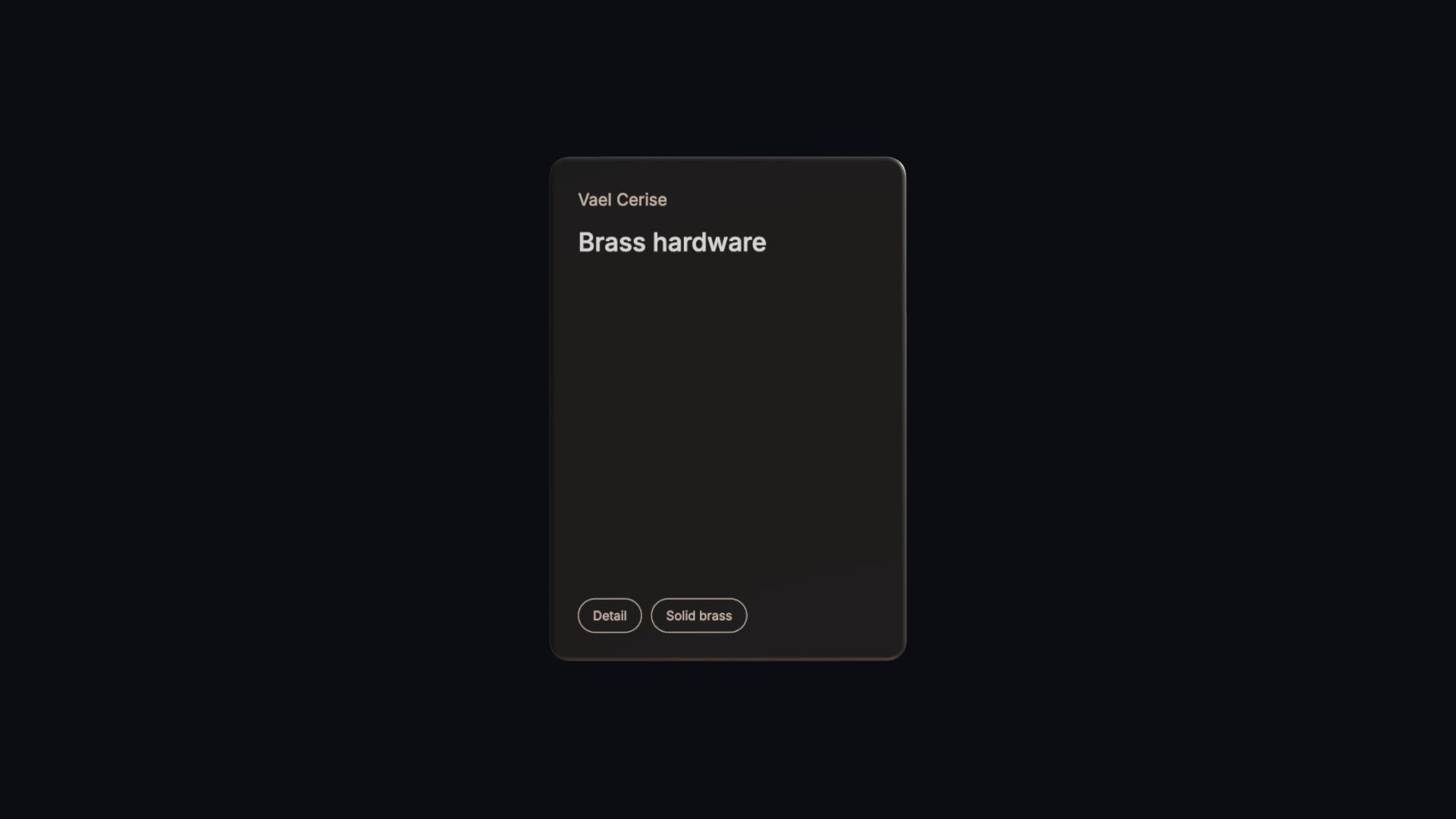
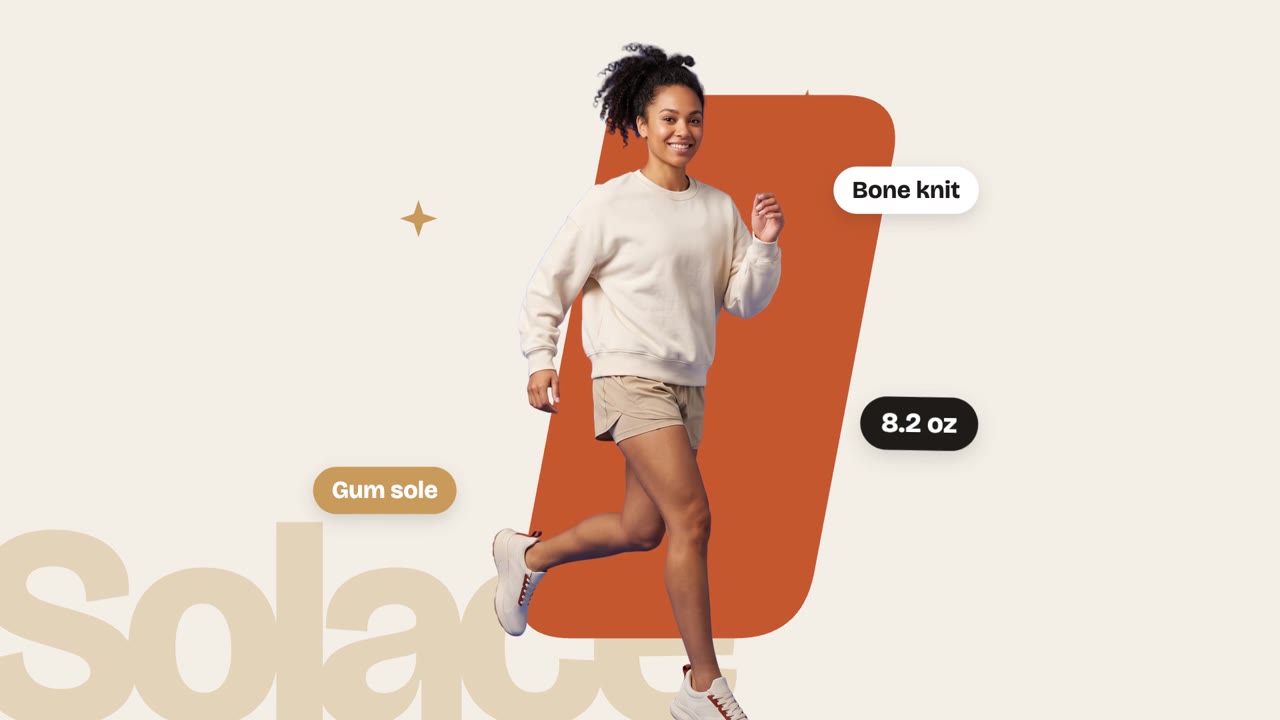
A share sheet springs up on a phone and cycles through four of your product images, with your name, logo and a one-line strip.
Free Free with an account
Paste this into your agent. It connects the CLI if needed, then installs the Skill.
A free HyperFrames block for 7-second 9:16 clips. An AirDrop-style share sheet rises from the bottom of a phone, says your brand would like to share something, and cycles through four of your images inside it, with your logo, a text strip and Accept and Decline buttons. The sender, item, strip text, button labels, four images and the logo are variables.
Updated Nov 3, 2026
/share-sheet-carousel Make a share sheet carousel for Vael sharing "a lookbook" of the Cerise tote with four photos, strip text "THE CERISE TOTE · HAND-STITCHED IN SMALL RUNS" and our logo.
Sharing is the most natural way to show a product on a phone. Share Sheet Carousel frames four of your images inside a familiar share prompt ("your brand would like to share a lookbook") so a collection, a lookbook or a feature set plays out like something a friend just sent.
npx hyperframes render, checks a few frames and renders the final MP4.This is a block from the HyperFrames registry, made by HeyGen and the HyperFrames contributors (heygen-com/hyperframes) and shared under the Apache License 2.0. The download is the block with its assets and a SKILL.md written by Reelity, so your agent knows how to fill and render it; HyperFrames itself runs from npm.
No reviews yet. Install the Skill and be the first to rate it.
Yes. Both labels are variables, so "Open" and "Later" or any short pair works.
Square images of at least 880 px, one subject each.
It is an open-source HyperFrames block by HeyGen and the HyperFrames contributors. We list it as it is, with a SKILL.md so your agent can use it and a sample made with one of our house brands, Vael.