Free
Rendered by this Skill
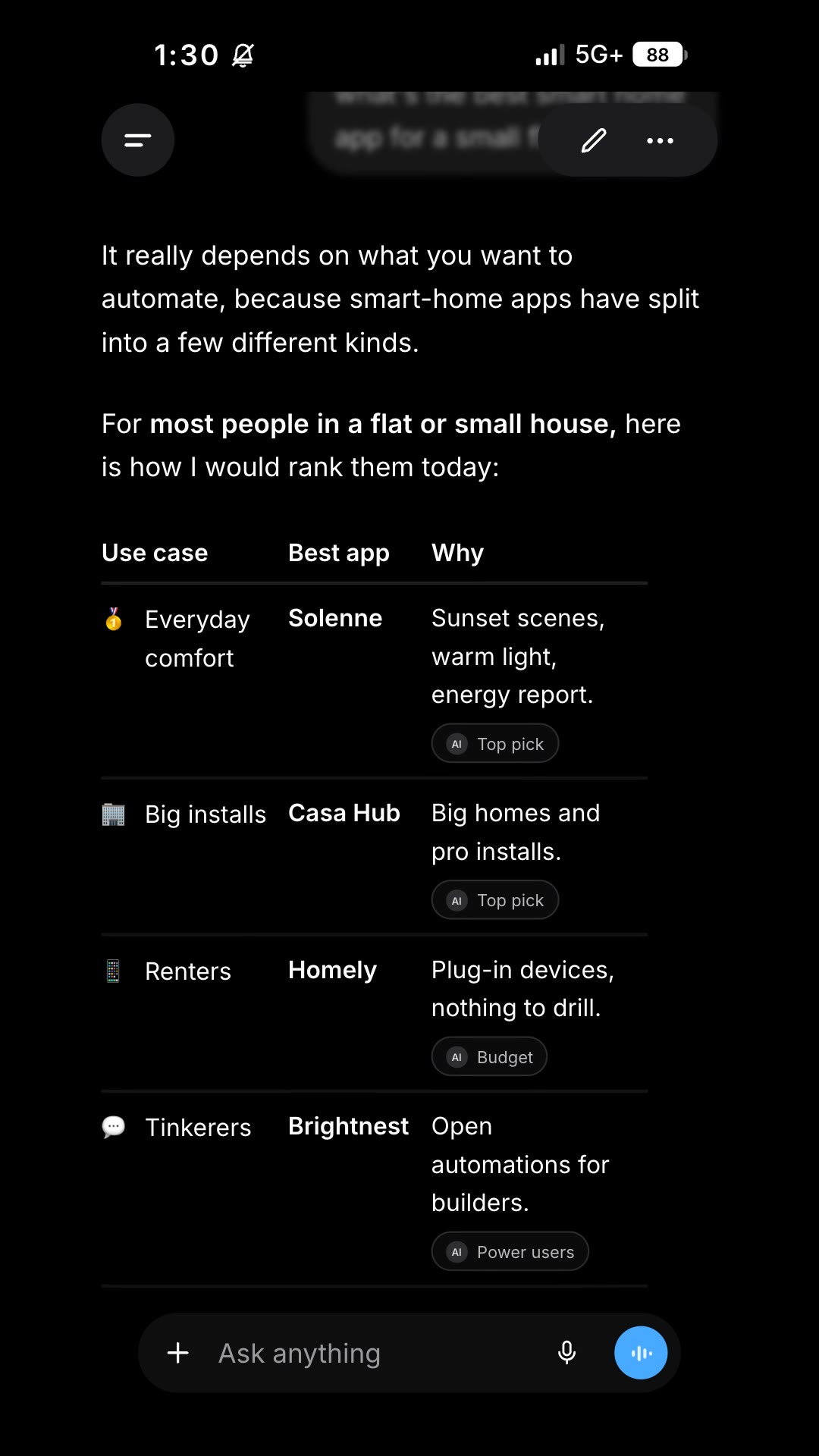
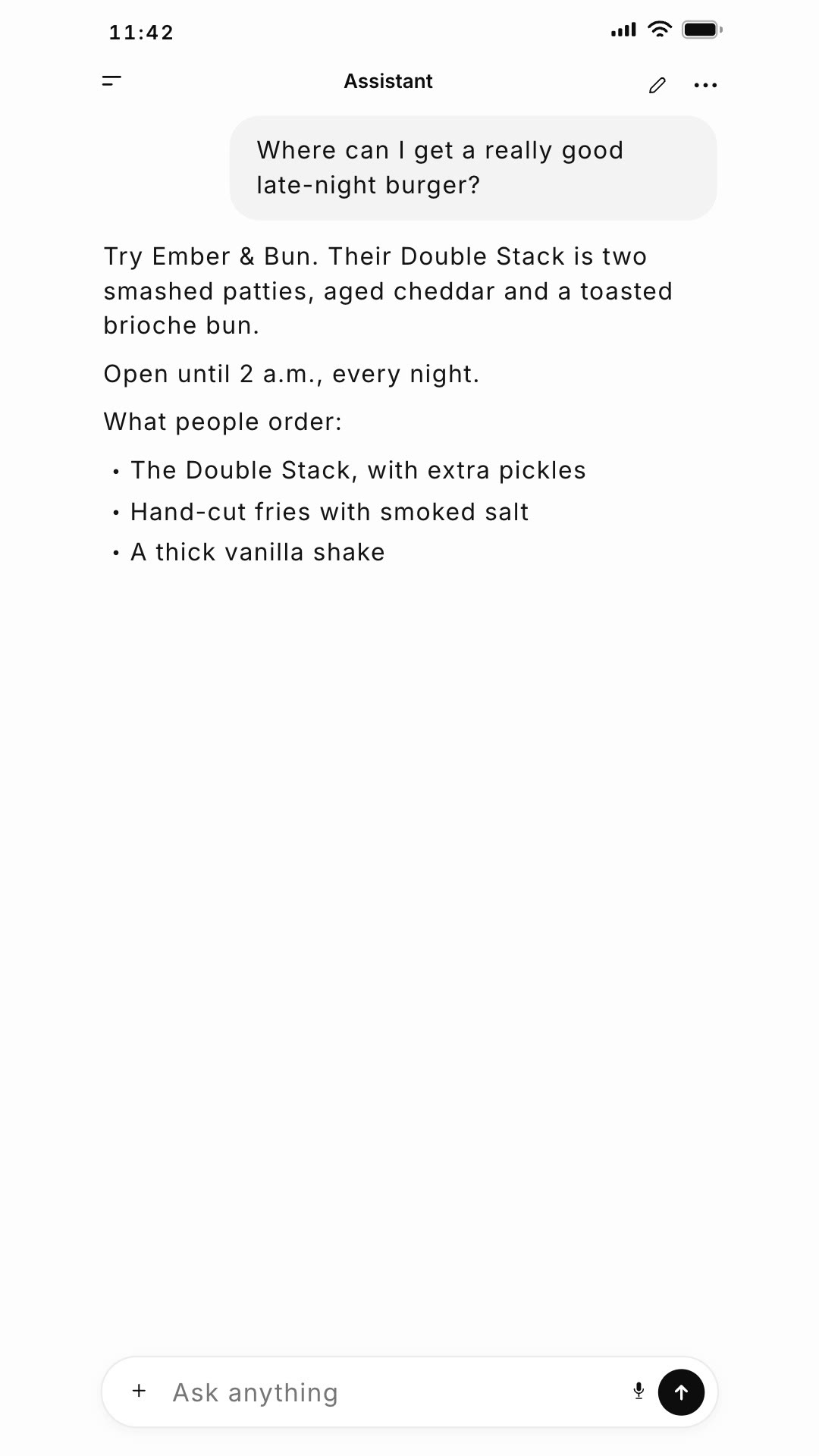
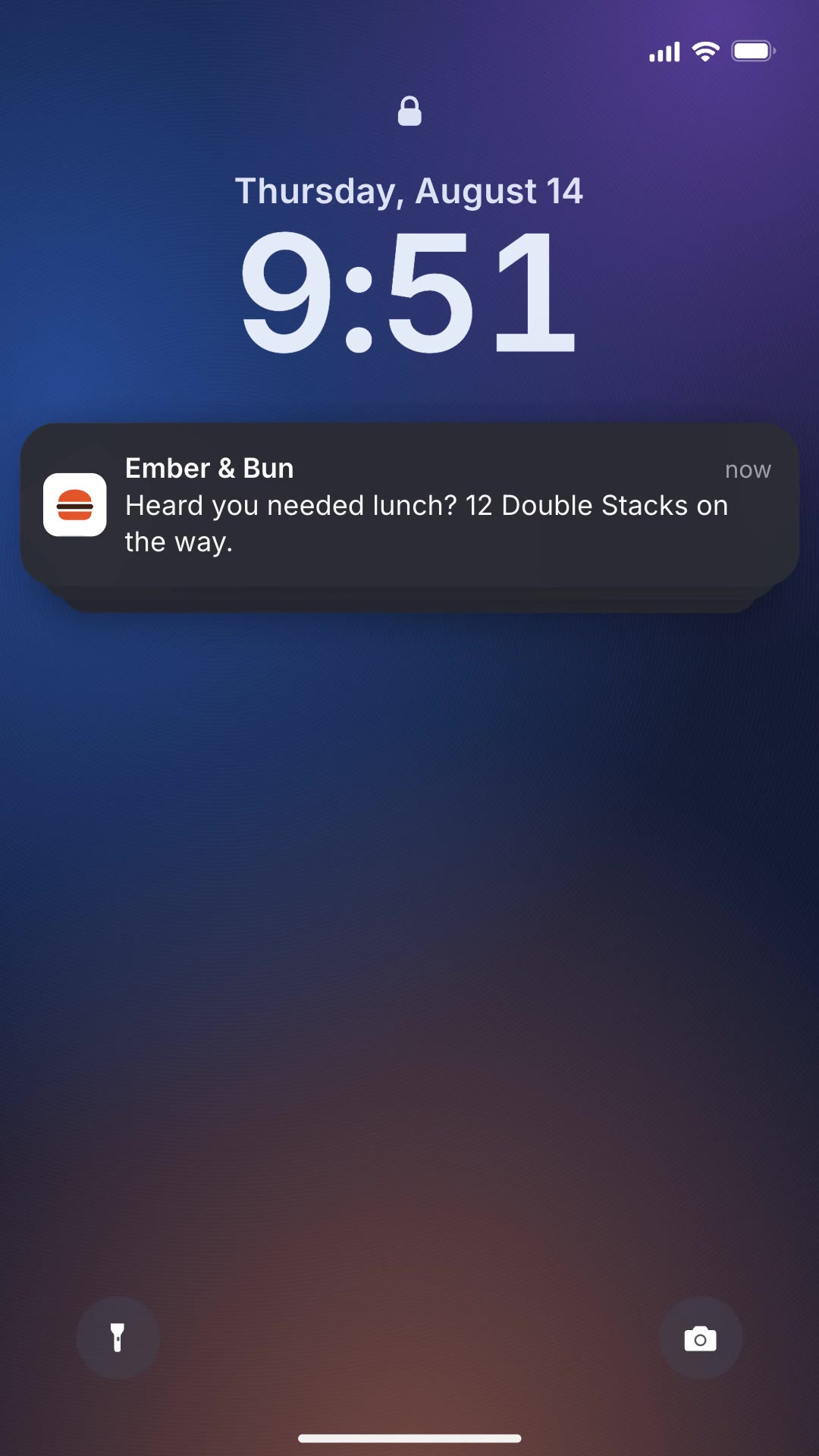
A short app promo: a phone searches an app store, your app rises out of the results and installs with a ring that fills to 100%.
Free Free with an account
Paste this into your agent. It connects the CLI if needed, then installs the Skill.
A free HyperFrames block for a 7-second app insert. A headline appears beside a phone, the phone searches an app store, the results scroll, your app's row lifts and its GET button is tapped, then the detail view shows your rating and stats while an install ring fills to 100%, with built-in tap and install sounds. Headline, search term, app names, ratings and stats are edited in the HTML; the background is transparent.
Updated Nov 4, 2026
/vpn-youtube-spot Make an app store search spot for Solenne: headline "CALM HOMES", search "smart home apps", Solenne "Scenes for every evening", 4.9 stars, setup 5 min.
The shortest path from an ad to an install is showing the install. App Store Search Spot plays the whole thing in seven seconds: search, find your app among others, tap GET and watch it install, with satisfying sounds on every tap.
npx hyperframes render, checks a few frames and renders the final MP4.This is a block from the HyperFrames registry, made by HeyGen and the HyperFrames contributors (heygen-com/hyperframes) and shared under the Apache License 2.0. The download is the block with its assets and a SKILL.md written by Reelity, so your agent knows how to fill and render it; HyperFrames itself runs from npm.
No reviews yet. Install the Skill and be the first to rate it.
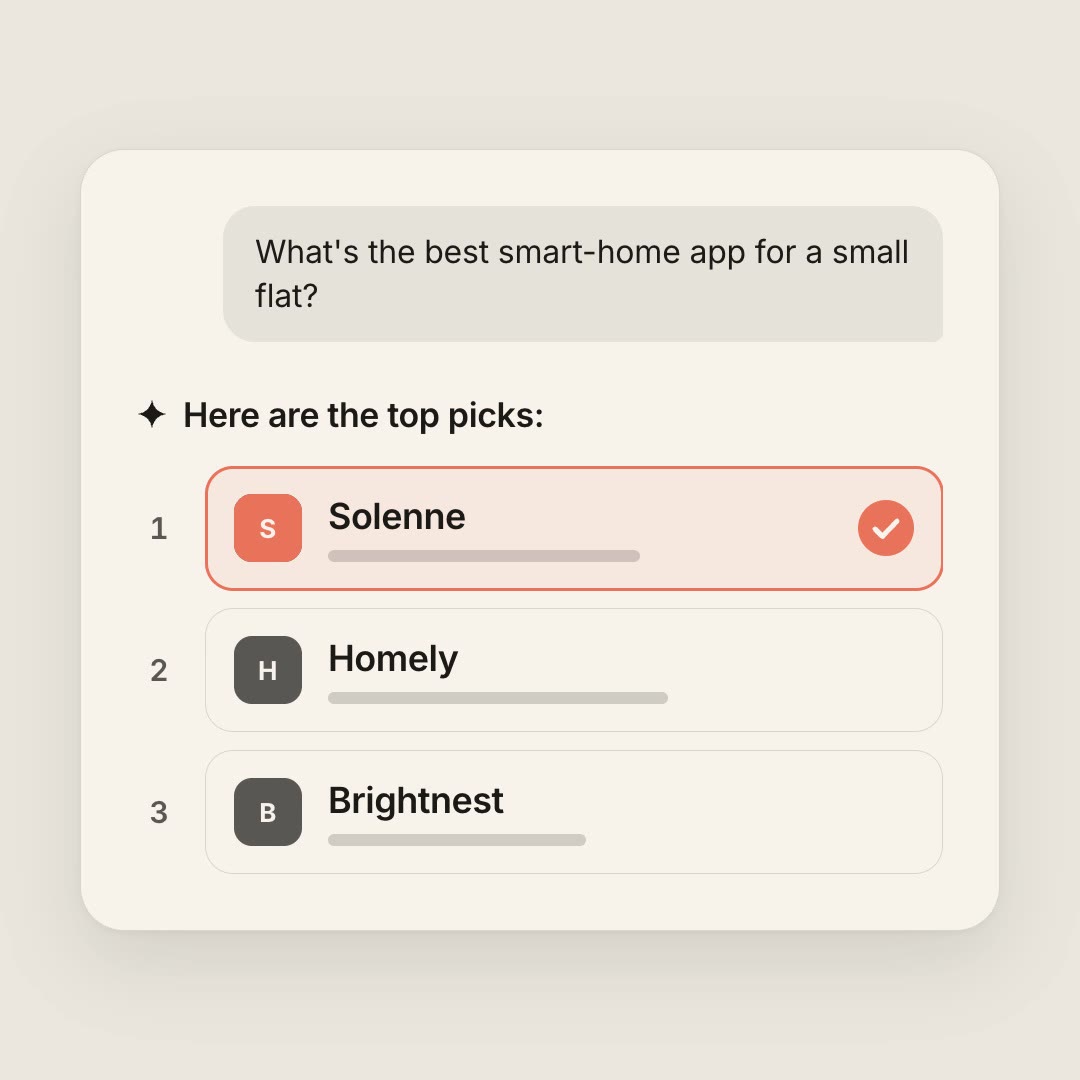
It is a generic app store screen with your own app and invented neighbours, in a familiar style.
Yes. The icon is drawn in CSS; your agent can recolour it or use an image.
It is an open-source HyperFrames block by HeyGen and the HyperFrames contributors. We list it as it is, with a SKILL.md so your agent can use it and a sample made with one of our house brands, Solenne.